Multi-platform content guides.
Multi-platform content means one piece of thinking published natively on every channel your buyers use — rebuilt for each platform's format and rules rather than pasted across them. These guides cover the translation layer, repurposing, and how to keep a steady cadence.
One source, many native outputs.
The multi-platform guide is the long one: how a YouTube video becomes native content for LinkedIn, Instagram, TikTok, Reddit, Medium and search, one platform at a time. LinkedIn, YouTube and Instagram narrows that to three channels, and to what each platform's own rules forbid an automated pipeline to do.
Content multiplication is the principle under both — getting more from work you have already done instead of producing more of it. And if one channel is the bottleneck, how to post on LinkedIn consistently treats consistency as a supply problem rather than a discipline one. For a single platform, the platform pages in the Blog menu collect every guide that covers it. Reddit is the exception to publishing everywhere: our Reddit content strategy prepares answers for a person to post in threads that already exist, rather than a post of its own.
Three of those platforms are written ones, and each has a page of its own. The Reddit content guides explain why a system prepares notes for a person there rather than posts, the Medium content guides cover republishing an article your own site published first, and the Substack content guides cover a newsletter whose subscriber list you keep.
Short video and the company voice have pages too. Our TikTok content guides gather what we have written on the first seconds of a clip and cutting it from a long video, the Shorts and Reels content guides cover re-editing one cut for YouTube and Instagram, and the LinkedIn company page guides cover what LinkedIn lets a business page automate.
Substack Newsletter vs Promotional Email: Keep the Issue and the Offer Apart
An issue teaches, an offer asks. How a business keeps the two apart on Substack: purpose labels, direct emails for offers, consent, the inbox, and a taproom brewery’s three outlines.
ReadSubstack Podcast to Newsletter: Publish the Episode, Then Write the Letter
A Substack episode already carries its own transcript. The letter should carry one idea from it, written to be read, with a link back.
ReadSubstack Newsletter Sections Strategy: When a Second Group of Readers Earns Its Own Stream
A Substack section is a second newsletter readers choose. Create one only when a group of readers wants its own stream, not just its own topic.
ReadSubstack Welcome Email Content: Four Emails and the Pages That Finish the Welcome
Substack sends one welcome email, not a sequence. Write the four versions, then let the welcome page, About page and a start-here post do the rest.
ReadSubstack Newsletter Series Planning: Issues a Reader Can Join at Part Three
Plan a Substack series from the questions customers already ask, so a reader who subscribes at part three can still find part one.
ReadSubstack Article to Newsletter Workflow: Turn One Website Article Into a Fresh Issue
Why a pasted copy of your article is the wrong Substack issue, and the workflow that turns an approved article into a letter that adds judgement, a case and a decision.
Read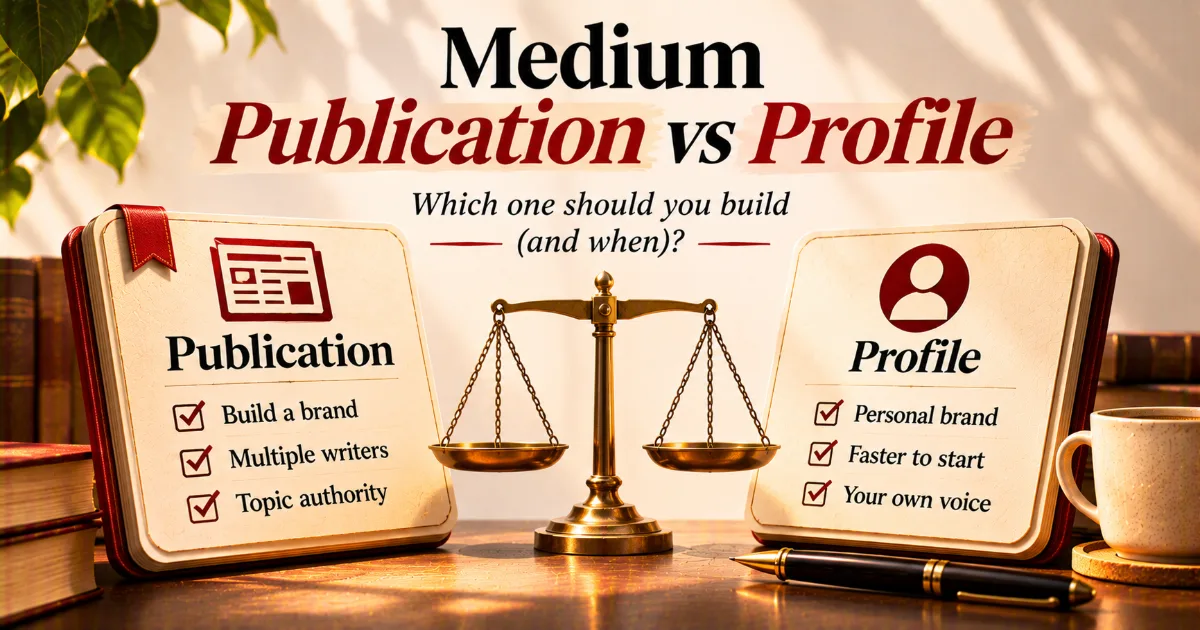
Medium Publication vs Profile: Where a Business Should Publish
A profile is one person's voice and simplest to run. A publication is an editorial home that outlasts any writer, at the cost of an editor's time. The team and the review model decide.
Read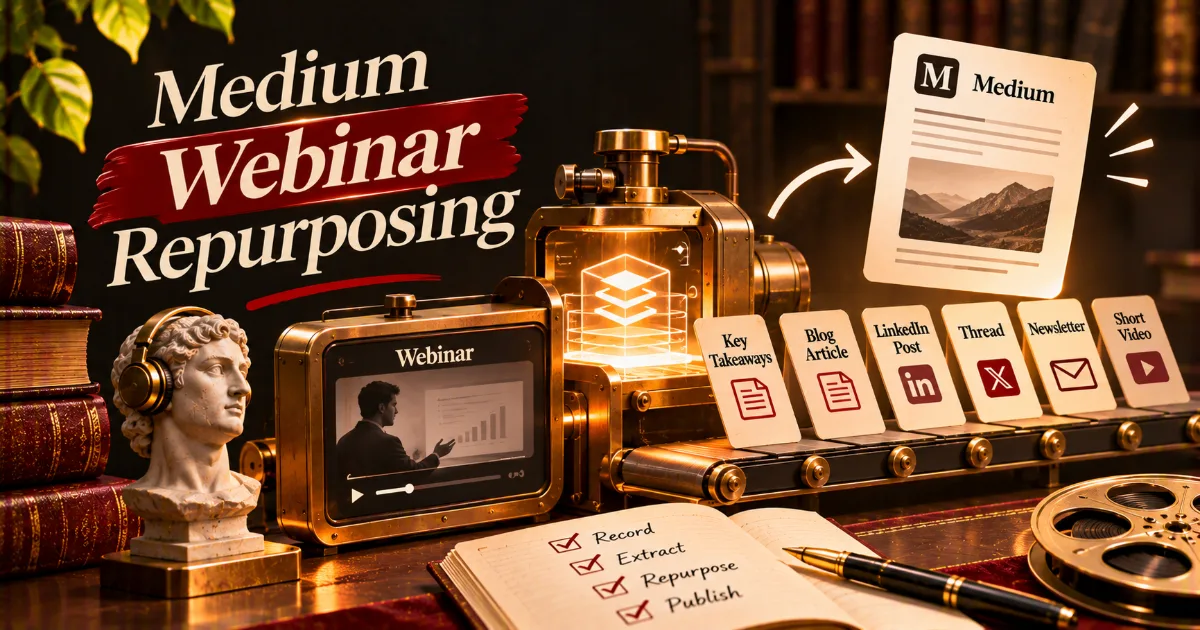
Medium Webinar Repurposing: One Transcript, Three Essays That Never Repeat
A recorded webinar usually holds three separate arguments. Map them in the transcript, test that each stands alone, give each new evidence, and publish essays that never repeat.
Read
Medium Content Angle Testing: A Small, Honest Test of a New Angle
Test a new angle on Medium small: one change, a guess written first, a fixed window, an honest log, and no benchmark you did not measure.
Read
Medium Editorial Calendar: One Reader Question per Slot
Plan a Medium calendar from real reader questions at different stages, give every slot a written reason, and fill in the dates last.
Read
Medium Article Tags Strategy: Five Topics From What the Article Says
Medium allows five topics a story. Choose them from the article's own claims, give each a reason, and record why the near-misses were left out.
Read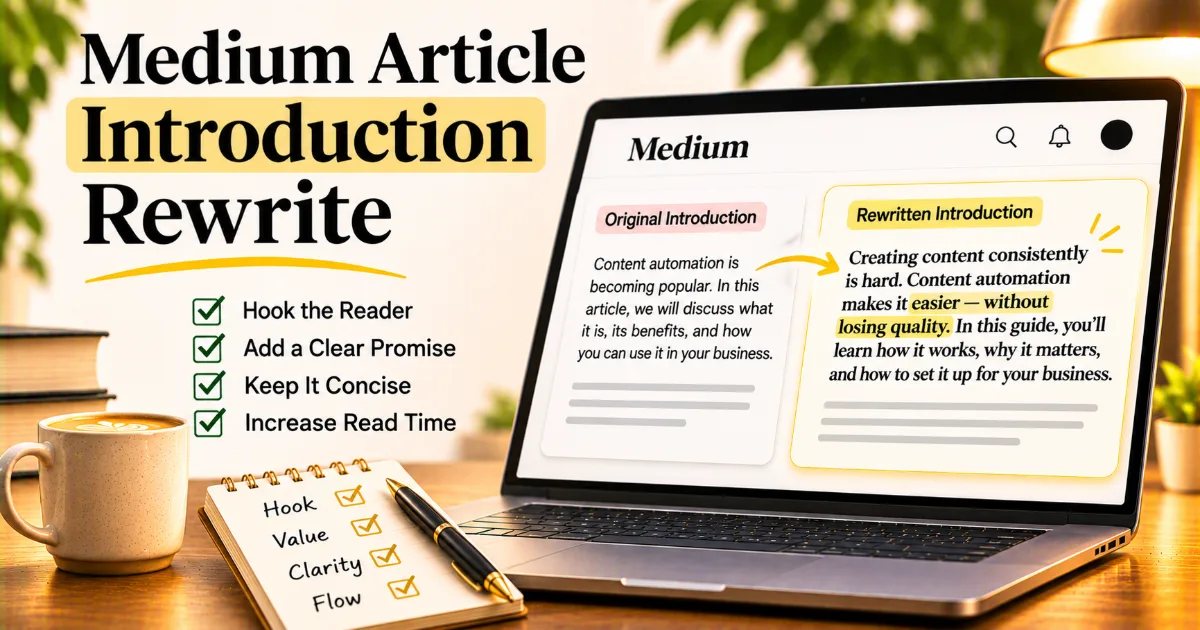
Medium Article Introduction Rewrite: Adapt a Business Blog Opening for Editorial Readers
Rewrite the opening of a business article for a stranger on Medium in four moves, with a display title to match, and lock every fact, claim and conclusion below it.
Read
Medium Article Republishing Workflow: Keep Your Website the Original
Publish on your own site, import to Medium, then open the Medium story and check its canonical points home. The order of the steps is what keeps your website the original.
Read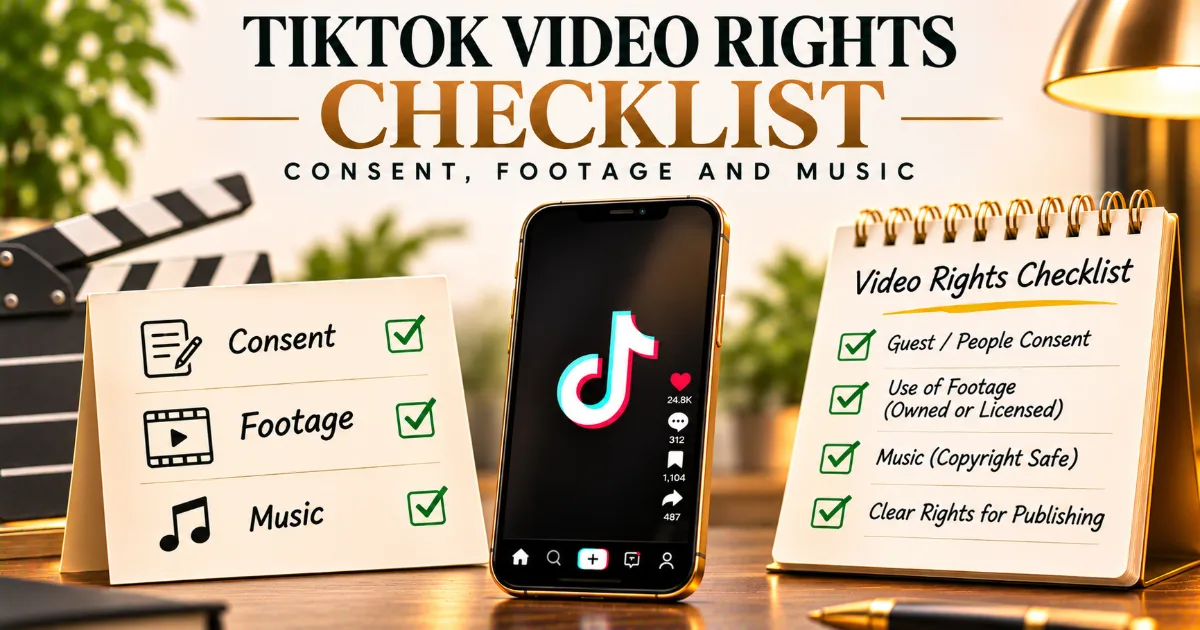
TikTok Video Rights Checklist: Consent, Footage and Music
One clip can need four permissions: the people on camera, the footage, the music and every platform it goes to next. Record each one, with its end date, before the clip is posted.
Read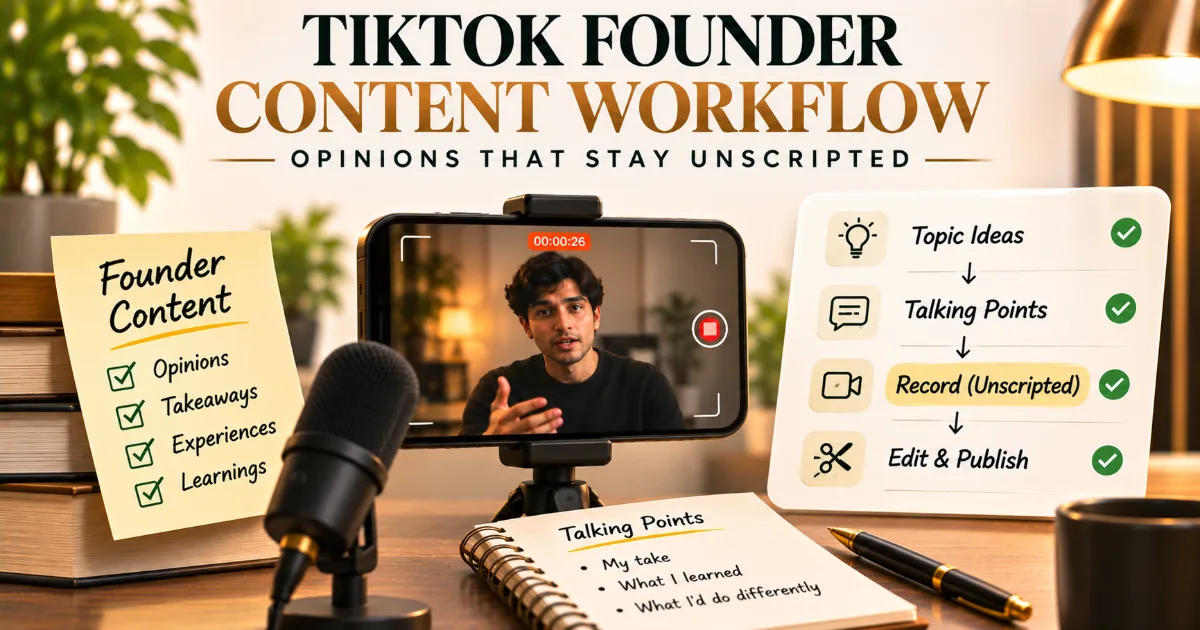
TikTok Founder Content Workflow: Opinions That Stay Unscripted
A founder's opinion sounds wrong read from a script. Capture it as they say it, keep the transcript beside the script, and let cue cards and one sign-off do the rest.
Read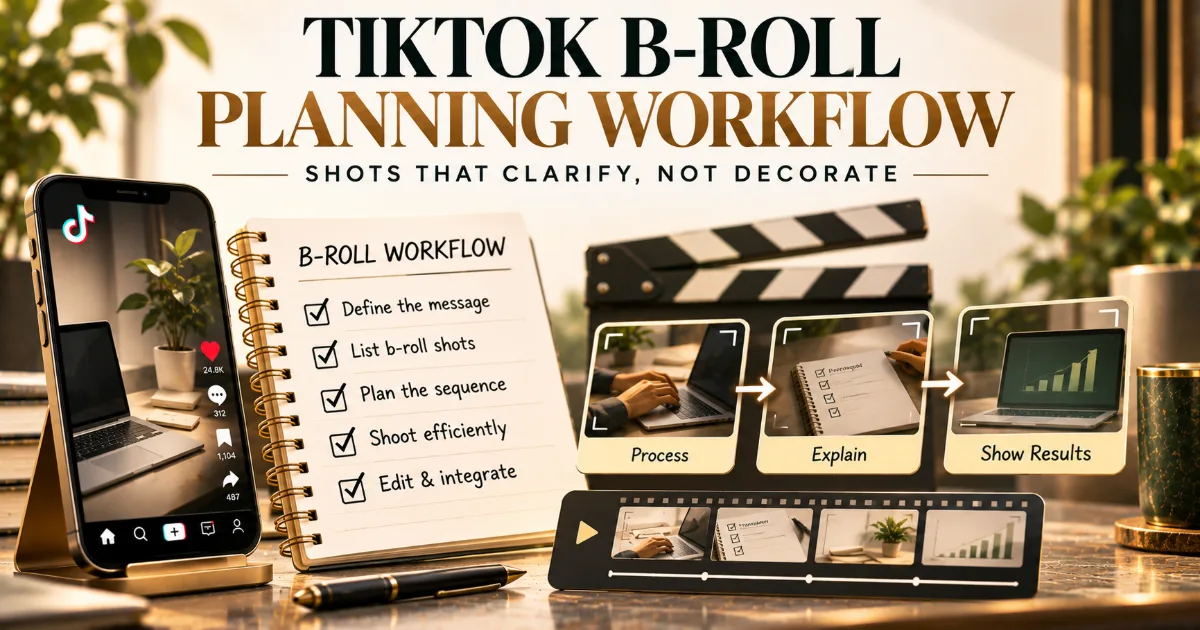
TikTok B-Roll Planning Workflow: Shots That Clarify, Not Decorate
Most B-roll decorates; the useful kind shows what the words cannot. Read the script line by line, keep only the shots that clarify, and record where each one came from.
Read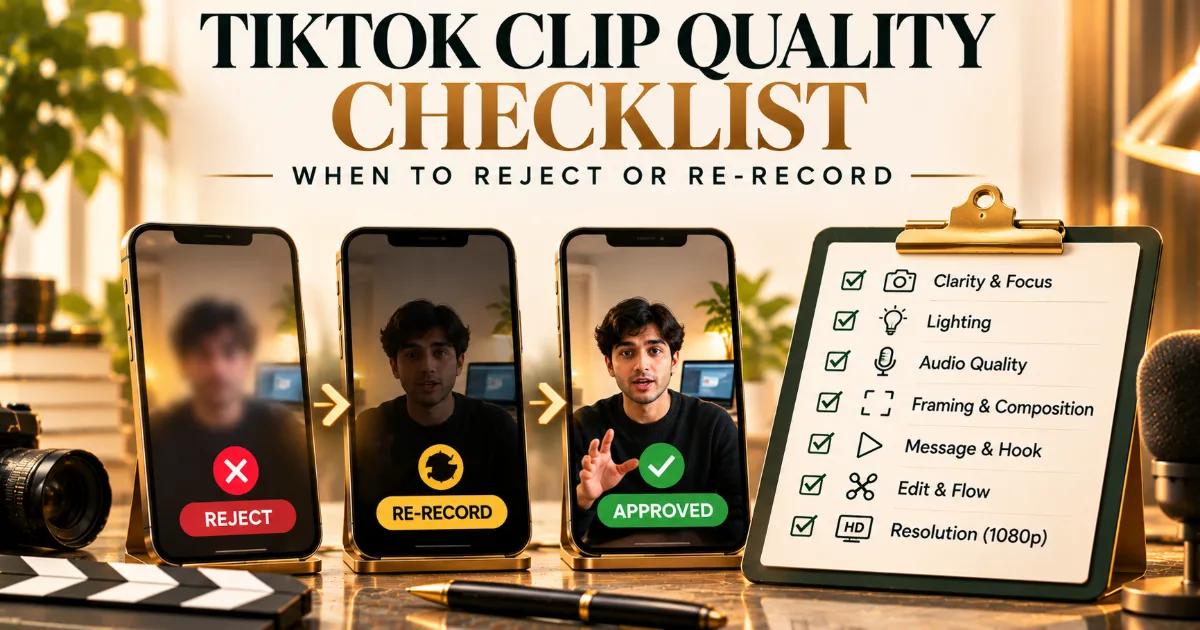
TikTok Clip Quality Checklist: When to Reject or Re-Record
Some clips should never be posted, and some should be recorded again. Check context, payoff, voices, sound, claims and privacy, and give every clip one of three verdicts.
Read
TikTok Case Study Video Ideas From One Verified Client Story
One client story, told honestly, can fill several clips. Get the client's consent first, then give the problem, the process and the outcome a clip each, without inflating the result.
Read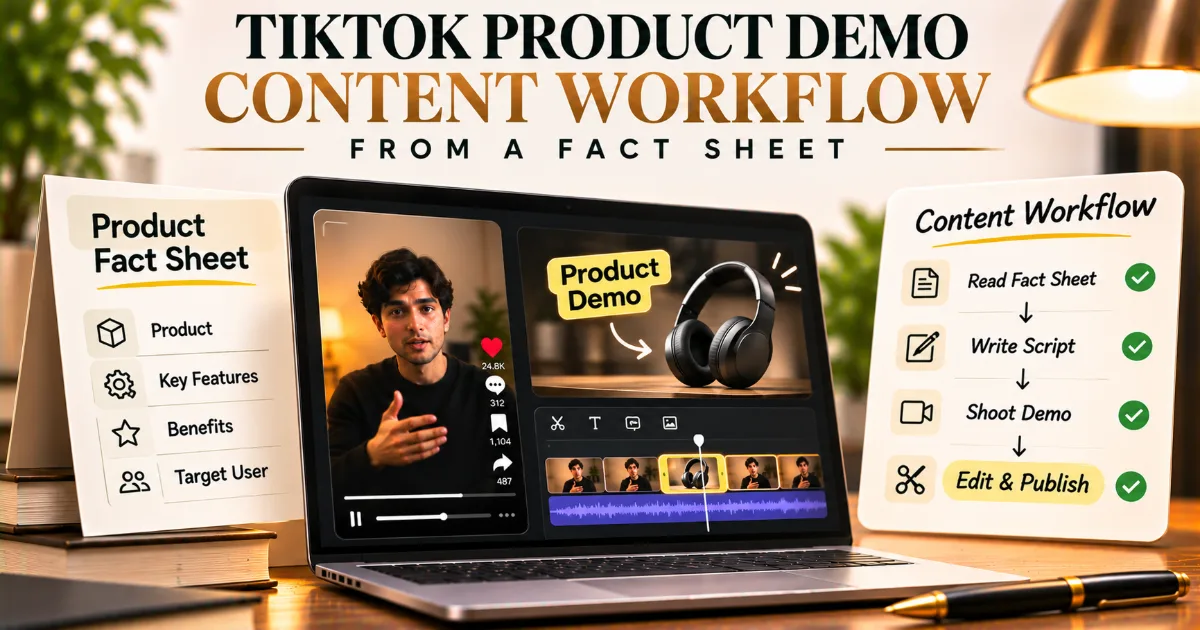
TikTok Product Demo Content Workflow From a Fact Sheet
A demo that overpromises costs more than it earns. Write every demo script from an approved fact sheet, limitations included, and show the real product doing the real thing.
Read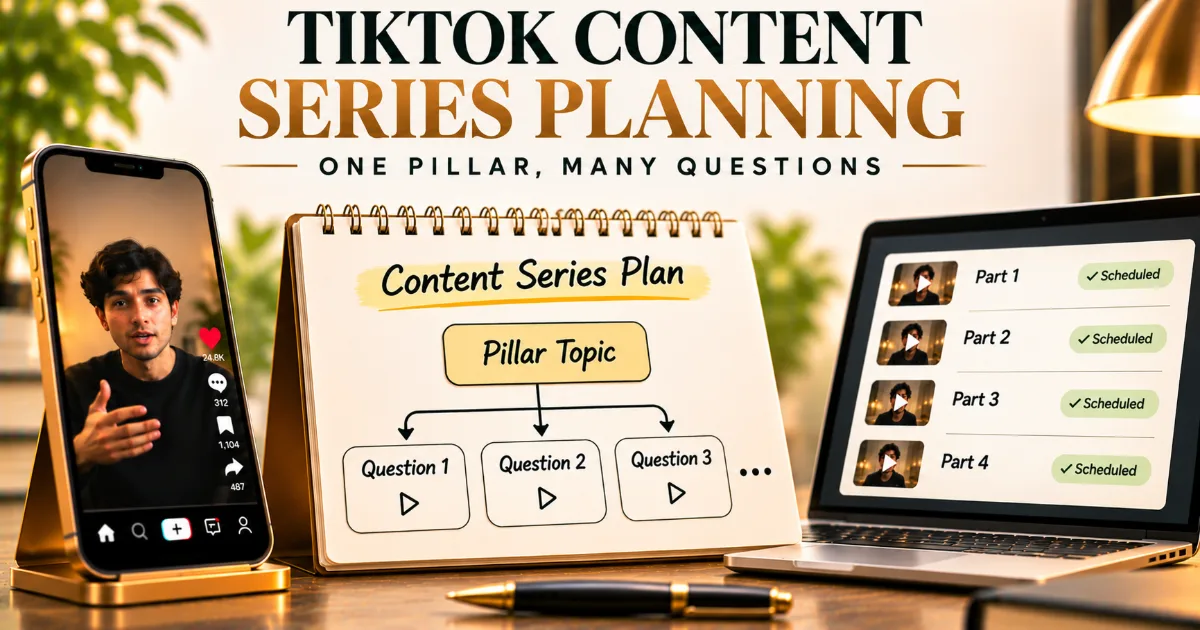
TikTok Content Series Planning: One Pillar, Many Questions
A series works when each episode answers its own question. Turn one area of expertise into episodes that stand alone, so a viewer can start anywhere and still want the next.
Read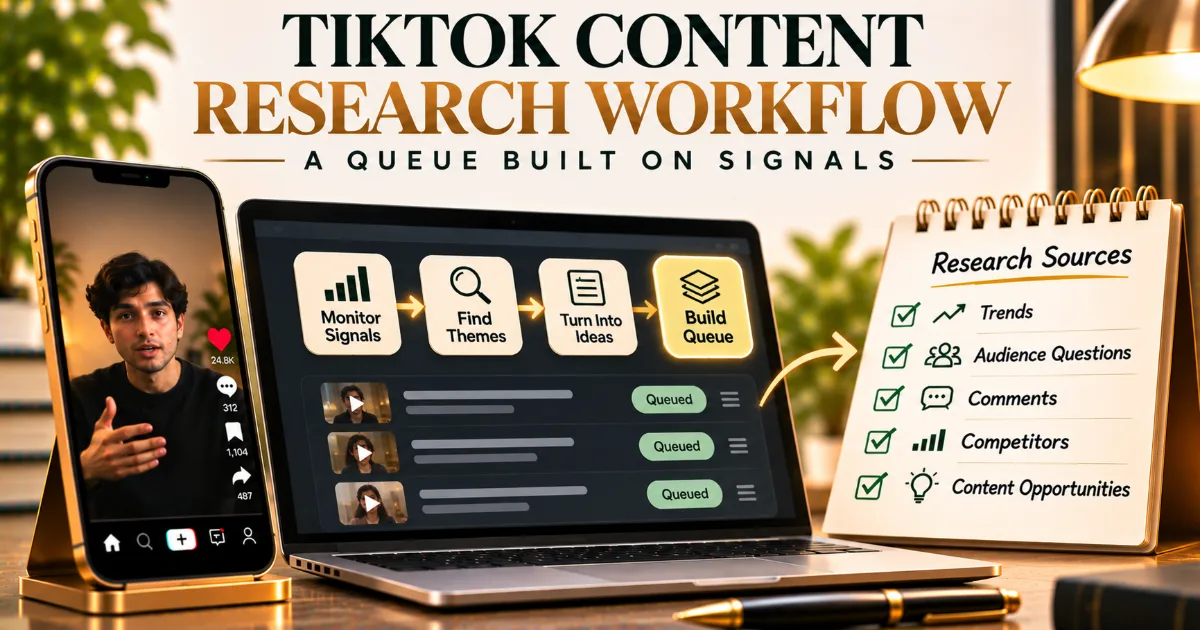
TikTok Content Research Workflow: A Queue Built on Signals
No single signal proves a topic is worth a clip. Build the queue from your customers' own words, and give every row the signals behind it, so the weak ones are easy to drop.
Read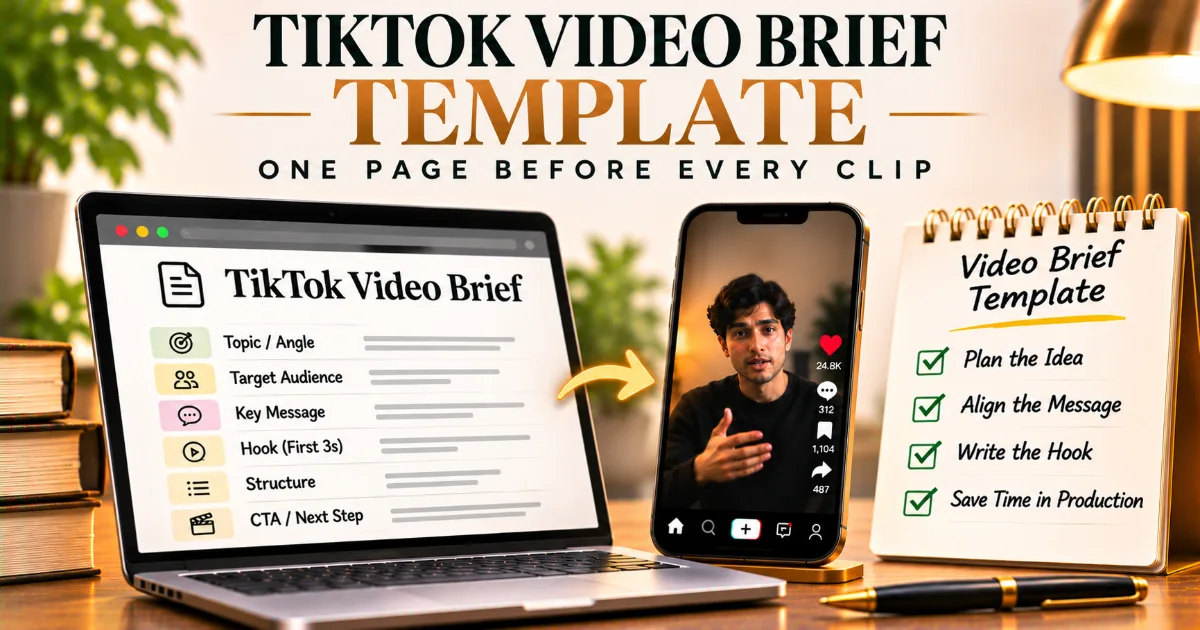
TikTok Video Brief Template: One Page Before Every Clip
Most weak clips were weak before anyone filmed them. One page per clip names the viewer's problem, an opening that needs no context, one takeaway and one next step.
Read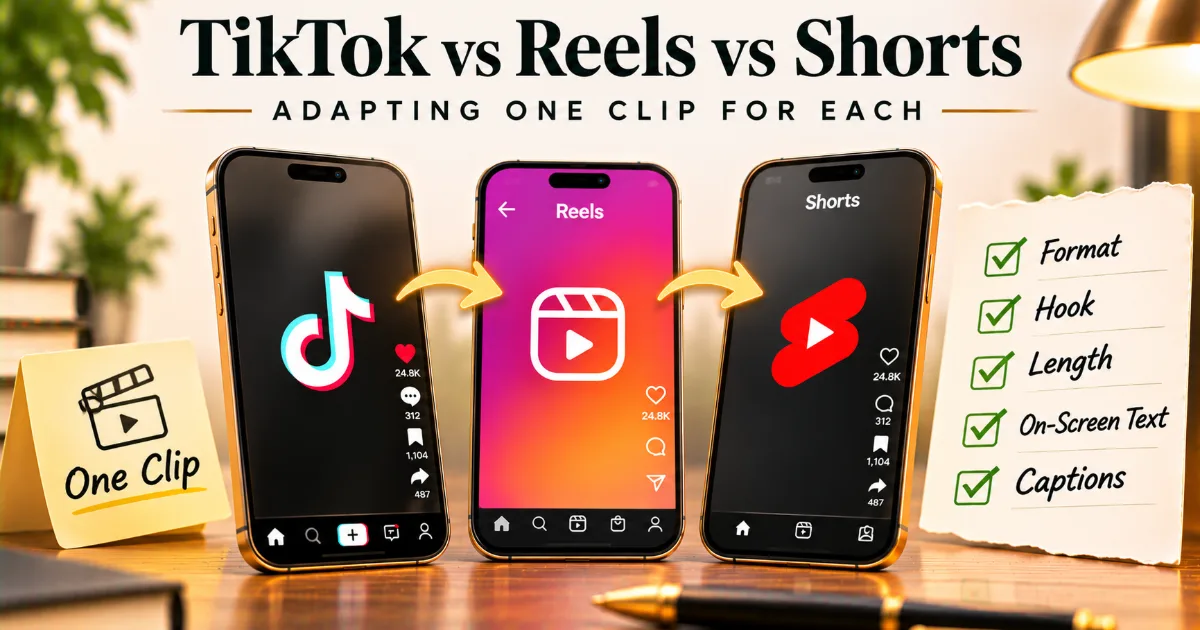
TikTok vs Reels vs Shorts: Adapting One Clip for Each
One clip, three platforms, three sets of defaults. Keep the point and the footage, and change what each platform handles differently, from the opening and description to the privacy choice.
Read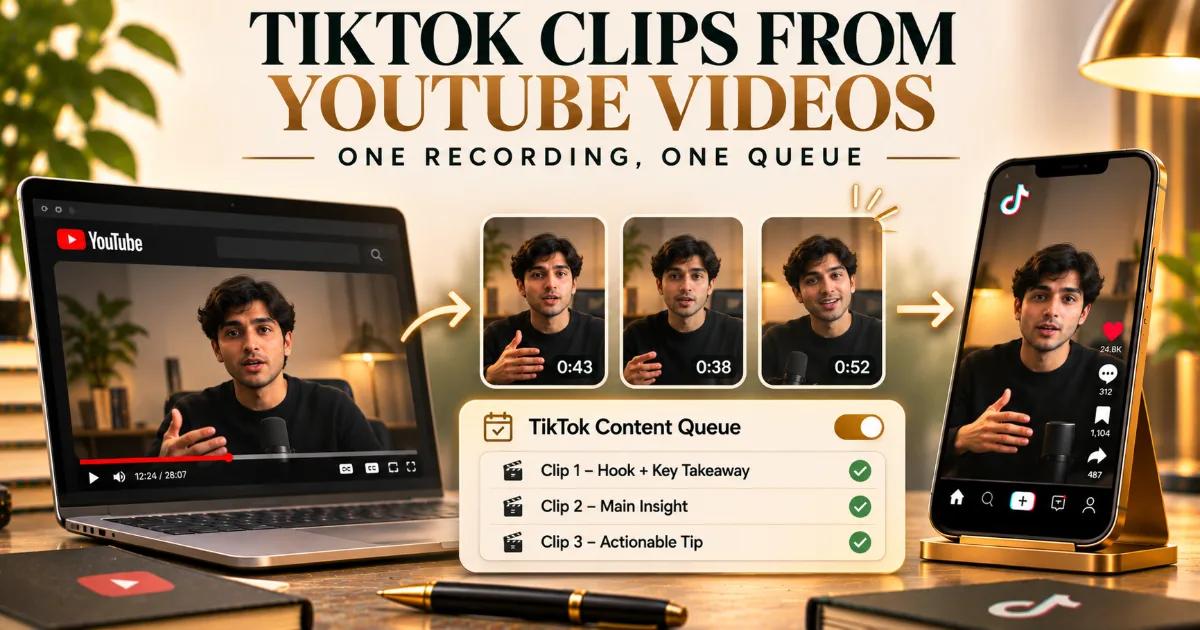
TikTok Clips From YouTube Videos, Interviews and Webinars
Hours of recordings and no clips posted? Test every moment against four questions, handle the guest's question and the attendee's with care, and move each clip through a queue that ends with a person posting it in TikTok.
Read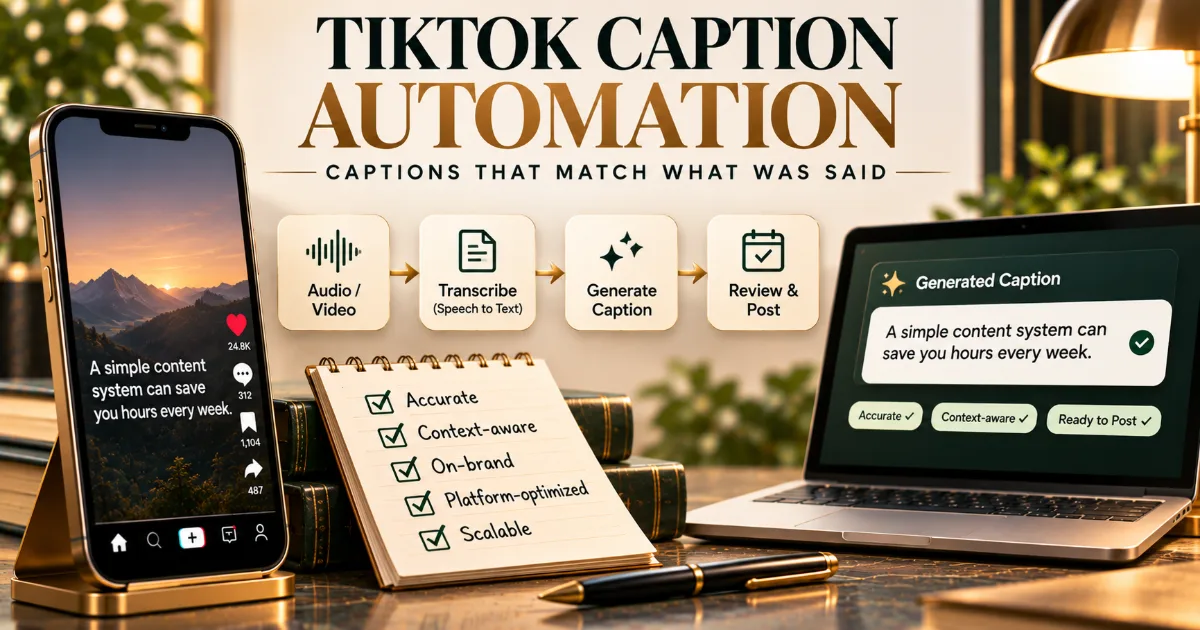
TikTok Caption Automation: Captions That Match What Was Said
Automatic captions get names, numbers and terms wrong. Correct the transcript first, keep a glossary and a log of fixes, and style the captions only once the words are right.
Read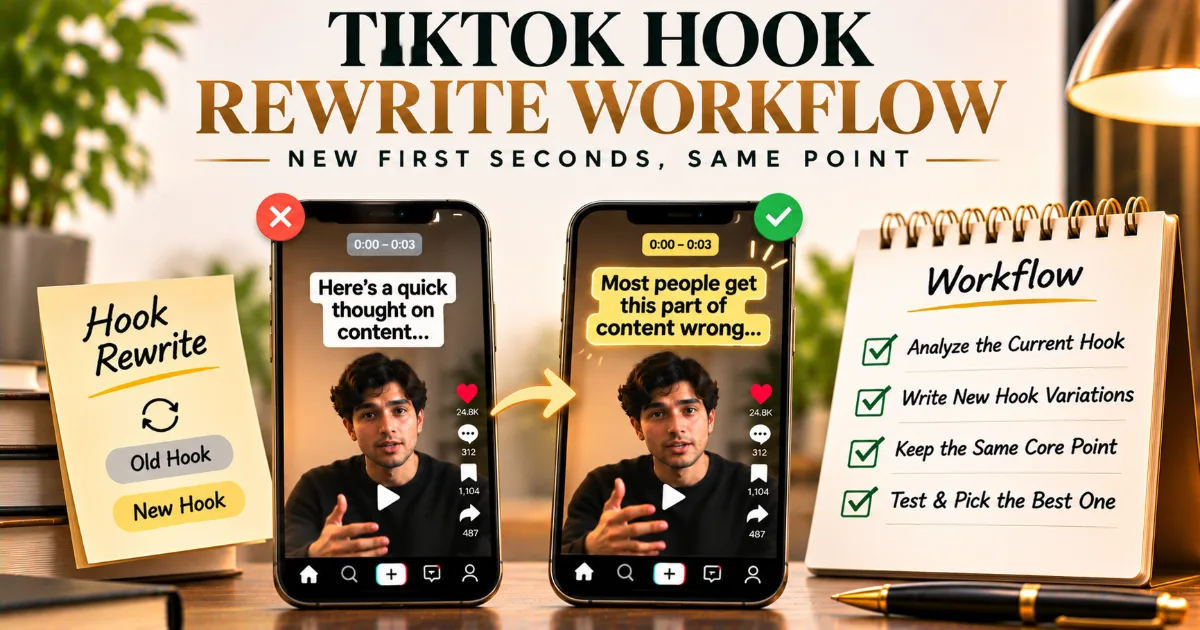
TikTok Hook Rewrite Workflow: New First Seconds, Same Point
How to rebuild the first seconds of a TikTok clip without changing what the speaker said: lock the claim, choose one of three honest moves, never synthesise the voice, and check the result.
Read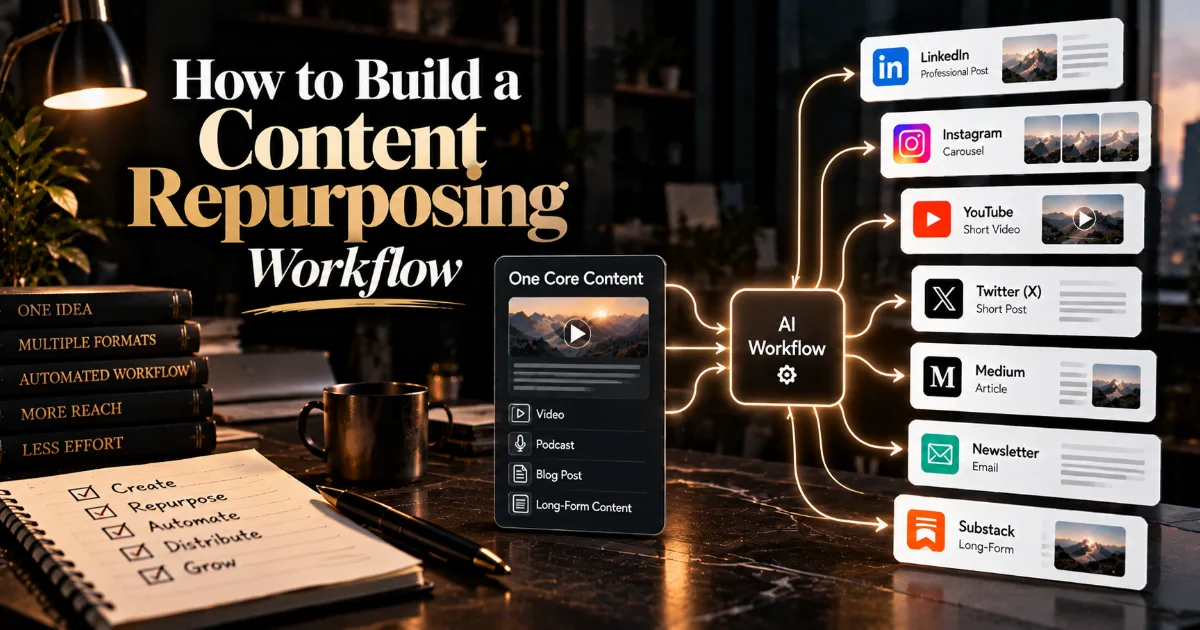
How to Build a Content Repurposing Workflow That Does Not Create Generic Content
Repurposed versions go generic when the drafting step sees only the source. The four inputs that keep every version specific, and the check that catches the rest.
Read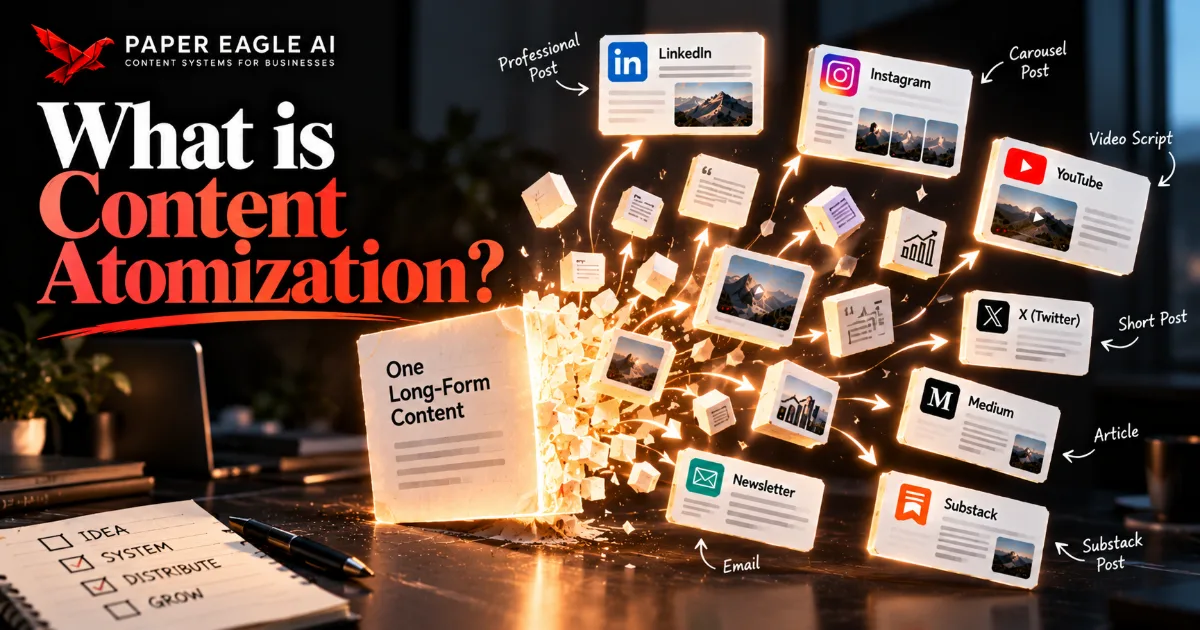
Content Atomization: How One Expert Idea Becomes 20 Useful Assets
One expert idea holds a claim, its reasons, its proof, a story and the objection it answers. Atomization pulls those parts apart, maps each to the format it suits, and checks that twenty assets never say the same thing twice.
Read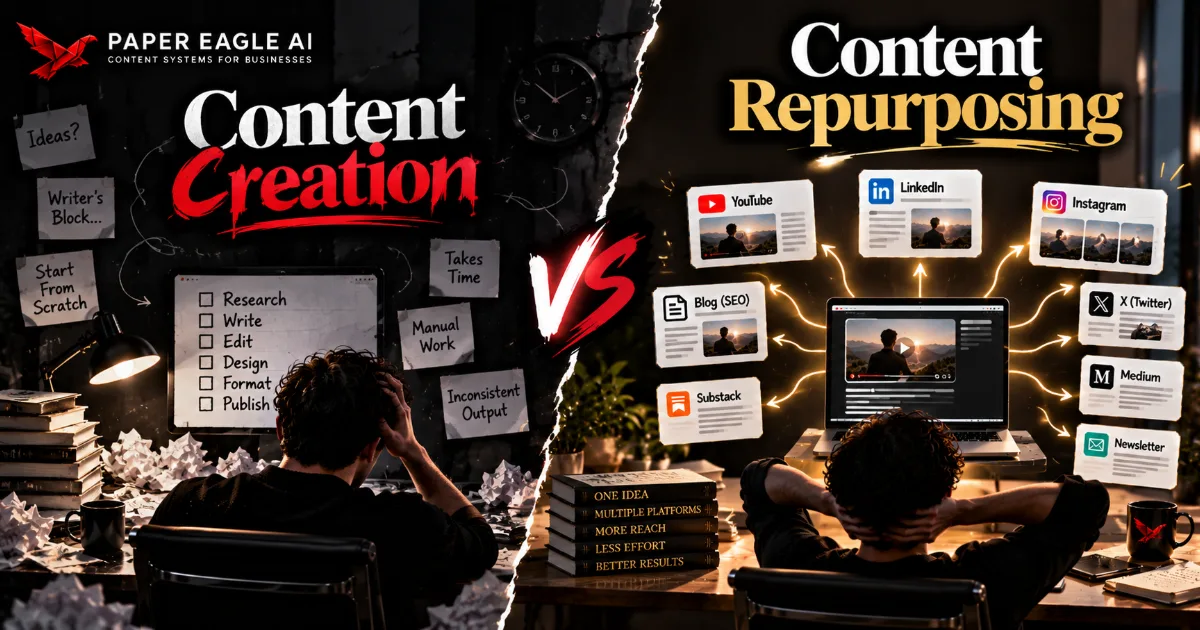
Content Repurposing vs Content Creation: Which Should You Invest In?
When new content earns its cost, when reuse does, and how to tell which one your next hour should buy. Compared on cost, speed, reach and audience fatigue.
Read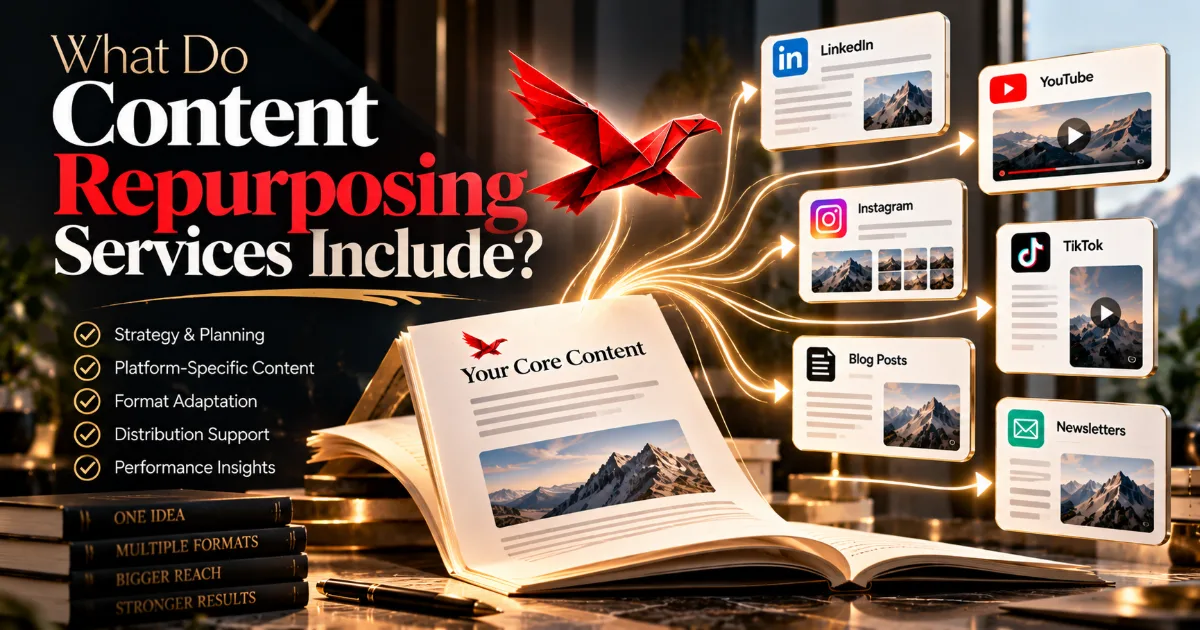
Content Repurposing Services: What Businesses Actually Get
Three different products share the name content repurposing services. What each one includes, what your team provides, who owns the result, and how to measure the return.
Read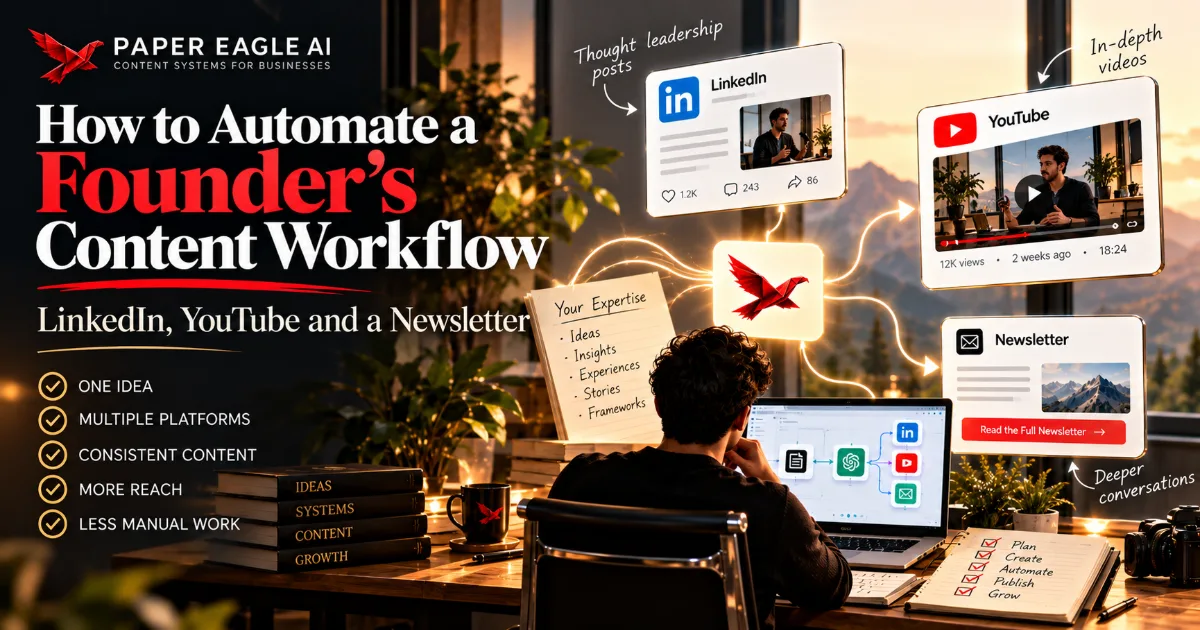
How to Automate a Founder's Content Workflow: LinkedIn, YouTube and a Newsletter
Three channels run on three clocks. How a founder's week of LinkedIn, YouTube and a newsletter runs as one system from one recording, in the order that keeps every link live.
Read
How to Automate Instagram Content Without Losing Brand Voice
Pillars, carousels, Reels and captions can all be automated. The brand voice survives only if it is written down twice, in words and in look, and checked by a person before the queue.
Read
How to Automate YouTube Content From Business Expertise
Most of a business video is decided before anyone presses record. The stages a pipeline can run, from topic to private upload, and the parts that stay with the person on camera.
Read
How to Automate LinkedIn Content Without Sounding Like AI
Automated LinkedIn posts read as AI because nobody's opinion went into them. The fix: capture what you'd argue, write a voice file, draft only from those, and keep a person on every post.
Read
Multi-Platform Content Automation: Complete Business Guide
What multi-platform content automation is, the four things sold under the name, whether your business is ready, which platforms first, and what it really costs in time.
Read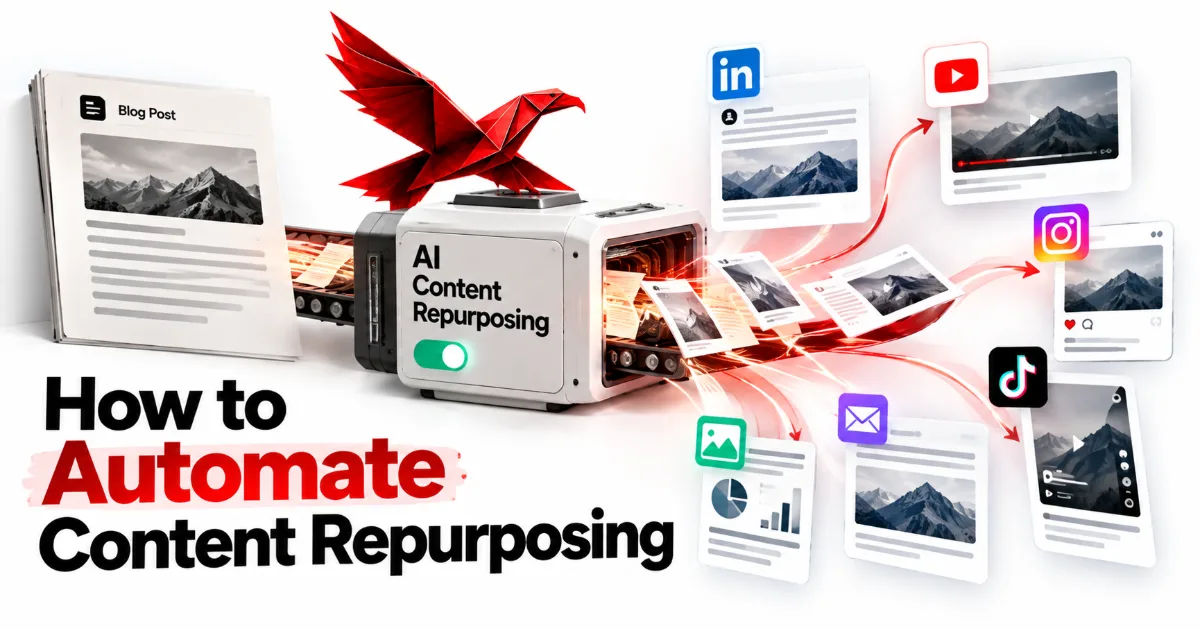
How to Automate Content Repurposing Without Creating Echoes
Automated repurposing fails in predictable ways: drifting facts, near-duplicate copies and the same idea hitting one audience three times. The six controls that stop it, traced through one of our own videos.
Read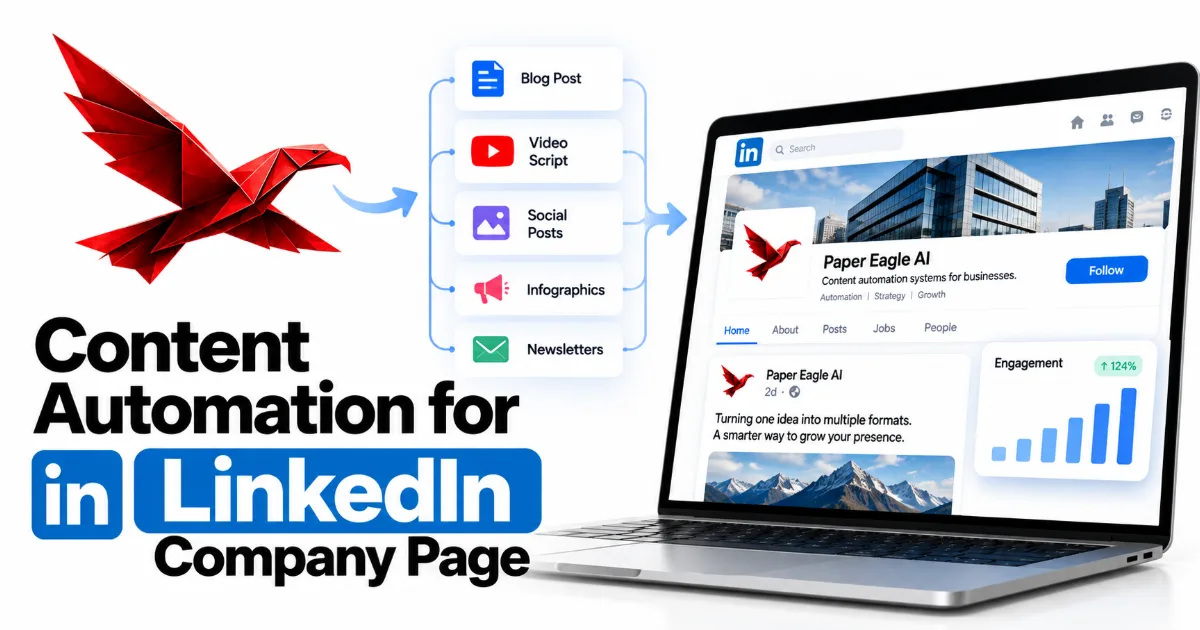
Content Automation for LinkedIn Company Page
What a LinkedIn company page can and can't automate under LinkedIn's 2026 rules, the formats and voice that suit a page, and a system that keeps it moving without a bot.
Read
Content Automation Specialist for Multi-Platform Content
One YouTube video can feed ten platforms, but only if each one gets content written for its own audience. Here is what each platform rewards, and how the translation works.
Read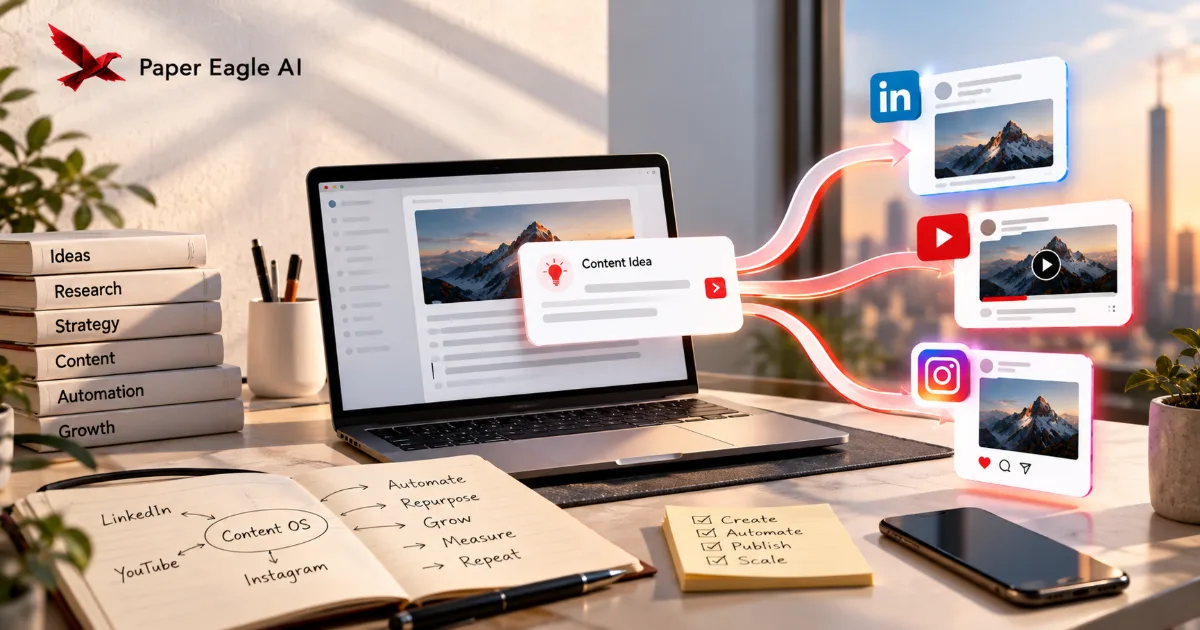
Content Automation Specialist for LinkedIn, YouTube & Instagram
Most businesses run three content calendars and call it a strategy. A pipeline runs one source of thinking through one translation layer into three platform-native outputs — and each platform has rules about what a machine may do.
Read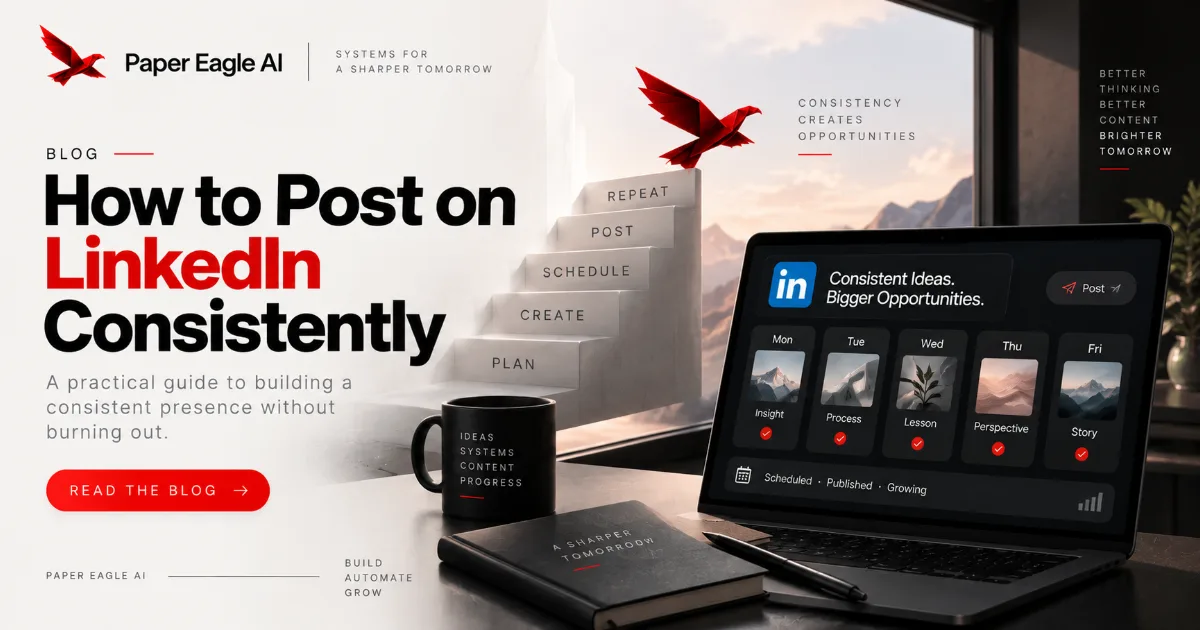
How to Post on LinkedIn Consistently (Without It Eating Your Week)
Consistency on LinkedIn fails because you run out of things to say, not willpower. The fix is a supply pipeline — and here is how one is built.
Read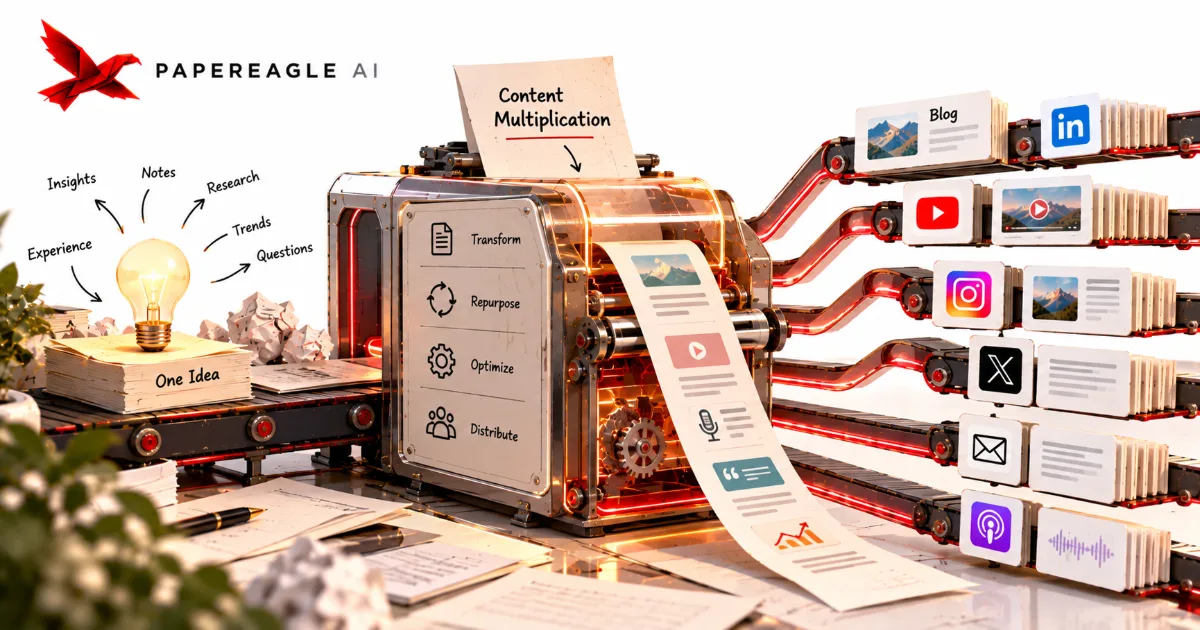
Content Multiplication: Do More With What You Have
Most businesses create something once and then abandon it. Content multiplication is the deliberate practice of reworking and extending your best content across formats and channels. Here's how to build a multiplication workflow.
ReadOne source, every platform, built for you.
Publishing natively everywhere is the system we build most often. These pages describe it, and our setup prices show how the cost follows the number of platforms. Every route is written in Claude Code, and n8n publishes on each platform as far as that platform allows.
Talk it through with us.
If something here describes a problem you have, a short conversation is the quickest way to find out whether a system would fix it, and what it would take to build. No pitch: if we can't help, we'll say so.
Start a Conversation