n8n content guides.
n8n is a workflow automation platform you can run in its cloud or on your own server, and in a content system it moves the work between steps: it runs on a schedule, collects sources, hands drafts to a person and publishes only what they approve. These guides are working builds, not feature tours.
The workflow drafts; a person approves.
Two builds show it from both ends. Content automation with n8n is the input side: a workflow that reads what happened in your niche overnight and puts a drafted script and a carousel outline in front of you each morning, with nothing published. How to automate content with n8n is the output side: one finished piece in, a draft per platform out, each held for approval and recorded once it goes live.
n8n vs Zapier vs Make explains when n8n is the right choice: when source material cannot leave your own infrastructure, when the workflow branches and loops, and when the AI step is more than a single call. Workflow design in n8n gives the rule that outranks the rest — the workflow drafts on its own and publishes only after a person approves — and the YouTube guide applies it to an upload that cannot go live alone.
How to Structure n8n Workflows for a Content System
One canvas that does everything works for a month. How to split an n8n content system into a parent and single-job sub-workflows, with a fixed contract, one error workflow and names that explain it.
ReadClaude Code vs n8n for Content Automation
Which of the two should hold which part of a content system: judgement over files, or triggers, waiting and logs. How each is maintained, owned and fails, and how to connect them.
Read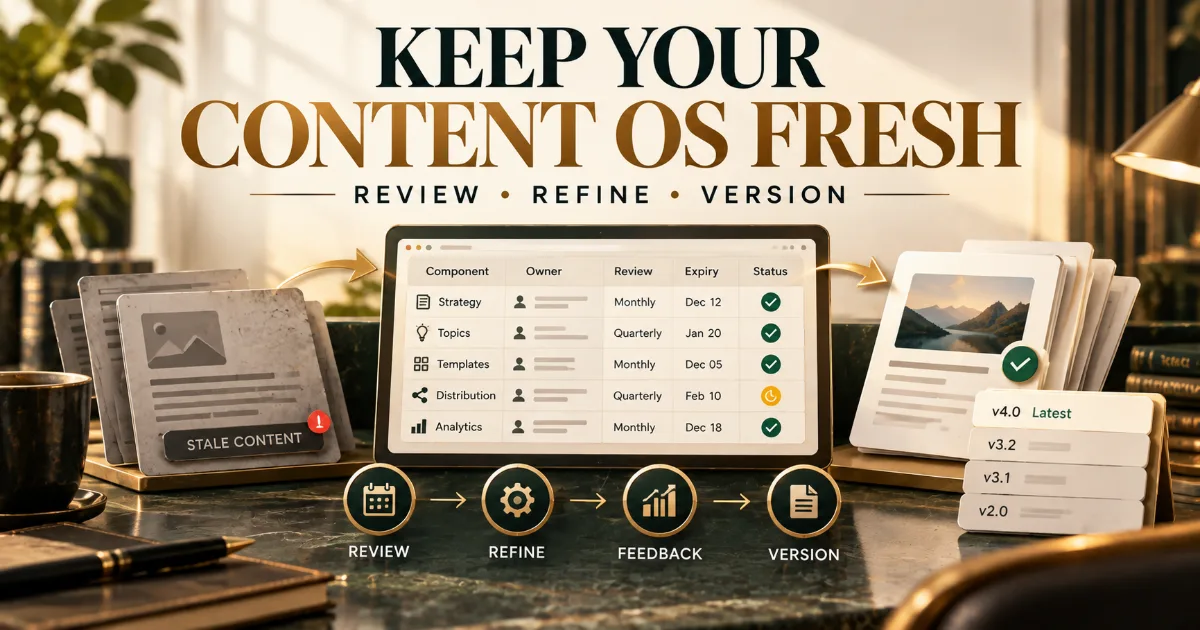
How to Keep a Content Operating System From Going Stale
A Content OS goes stale one part at a time. The register, review cadence, triggers, feedback routes and versioning that keep every part current after handover.
Read
Content Atomization: How One Expert Idea Becomes 20 Useful Assets
One expert idea holds a claim, its reasons, its proof, a story and the objection it answers. Atomization pulls those parts apart, maps each to the format it suits, and checks that twenty assets never say the same thing twice.
Read
How to Automate YouTube Content From Business Expertise
Most of a business video is decided before anyone presses record. The stages a pipeline can run, from topic to private upload, and the parts that stay with the person on camera.
Read
How to Build a Content Automation System From Scratch
The ten stages of a content automation system in the order they have to be built — the folder, the n8n board, the review gate and the first six weeks, done once from scratch.
Read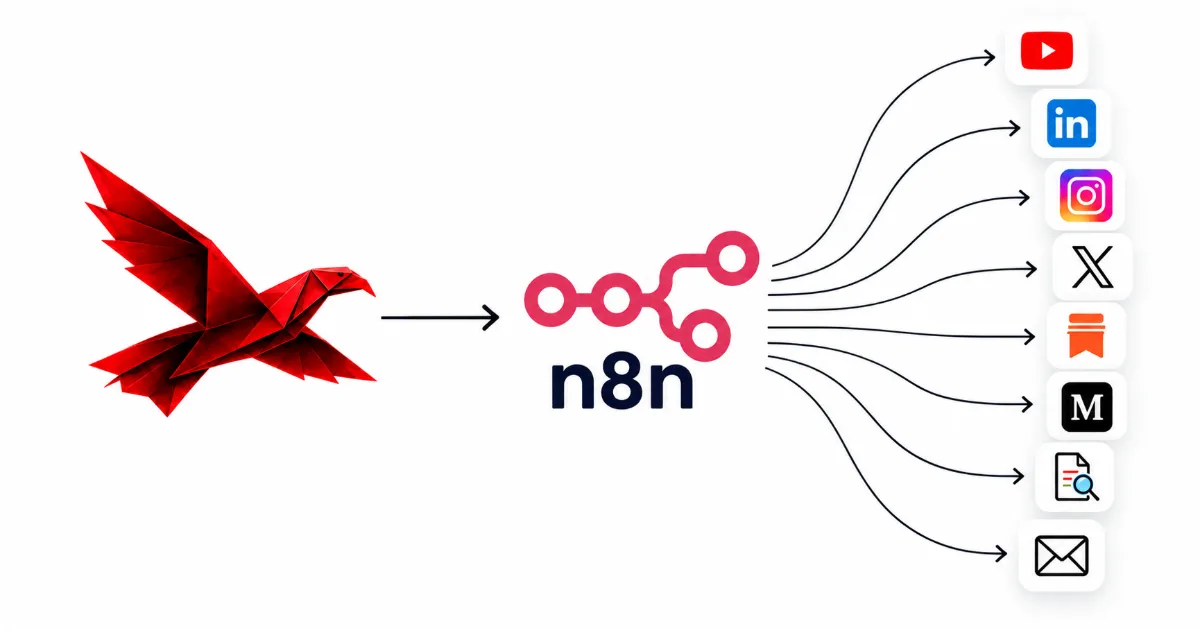
How To Automate Content With n8n
Build it step by step: a finished piece triggers one draft per platform, each waits for your approval in Slack or email, then posts or queues itself and lands in a record.
Read
Content Automation with n8n
n8n can send you one email every morning with the news in your niche, plus a draft script and a carousel outline waiting for approval. Here is how that pipeline is built, and the one thing it needs from you first.
Read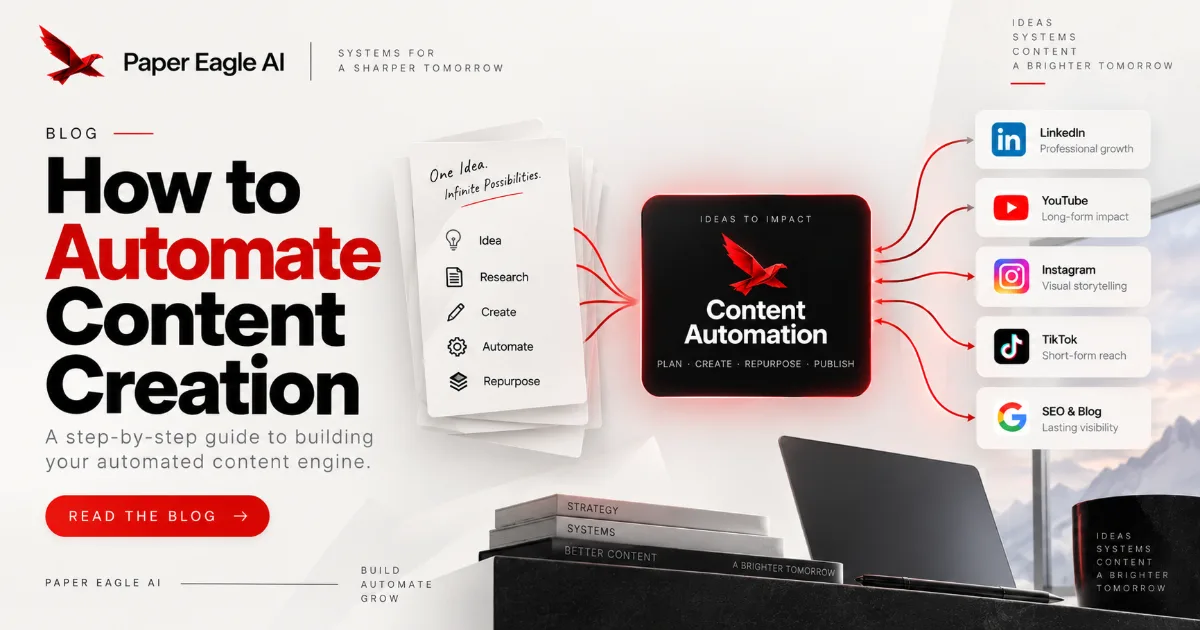
How to Automate Your Content Creation Process in 2026
Most attempts automate the drafting, which is the one step that needed judgement. The four layers, in the order they have to be built.
Read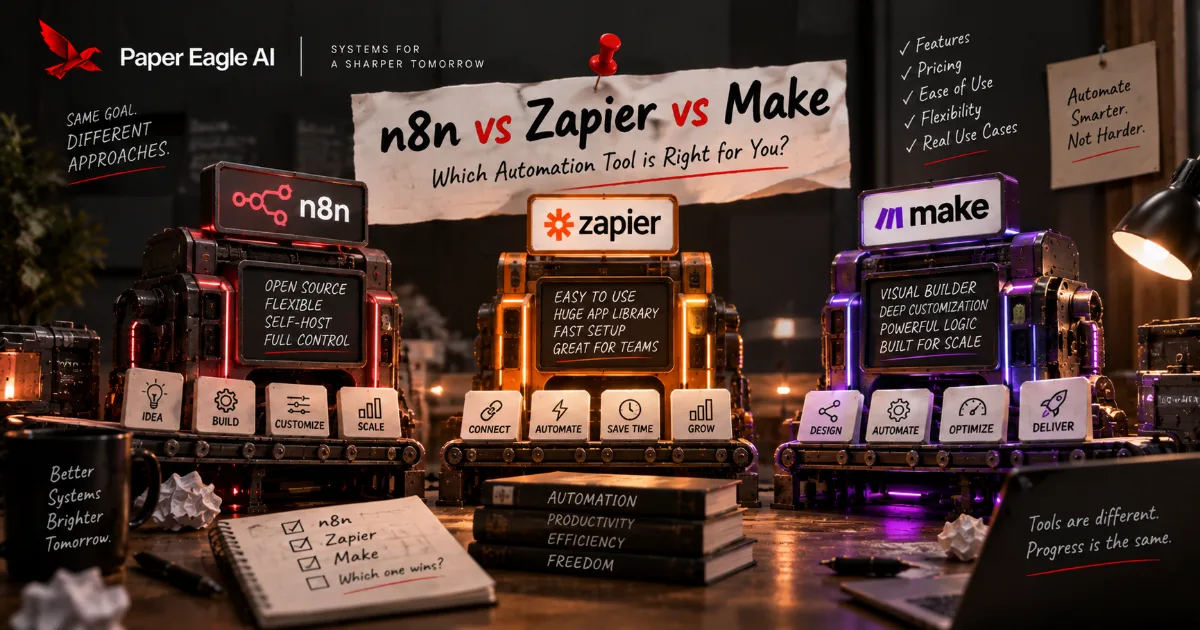
n8n vs Zapier vs Make: Choosing the Automation Layer
All three will build your content pipeline, so the feature table decides nothing. What decides it is who can open the thing in six months, where it runs, and how it bills a fan-out.
Read
The SEO Playbook for a Content OS
Search strategies for businesses that have structured their knowledge. How to make your Content OS the most discoverable asset you own — and keep it that way as search changes.
Readn8n workflows, built for you.
n8n is where most of our automation layer runs, in the client's own account or on their own server. These pages describe what we build with it, and the pricing page sets out what each setup costs.
Talk it through with us.
If something here describes a problem you have, a short conversation is the quickest way to find out whether a system would fix it, and what it would take to build. No pitch: if we can't help, we'll say so.
Start a Conversation