Make.com content guides.
Make.com is a visual workflow builder: you draw the workflow as a graph instead of writing a list of steps, which suits content work that splits one idea into several differently shaped outputs. These guides explain where Make fits beside Zapier and n8n, and what it asks of the person who maintains it.
A canvas, not a list.
Our comparison of the three tools describes Make as a canvas rather than a list. It is comfortable with what a list is awkward about: splitting a path, iterating over a set of items, aggregating them back together and reshaping data in the middle. For a pipeline that fans one input into several outputs, that is the natural model. The price of that power is a steeper first week.
How to automate content creation puts the tool choice last: between Zapier and Make.com, either will carry a first workflow, and the difference only starts to matter once the process has branches in it. This page collects every guide on the blog that covers Make.com, and the section below sets out the rest.

How to Automate Your Content Creation Process in 2026
Most attempts automate the drafting, which is the one step that needed judgement. The four layers, in the order they have to be built.
Read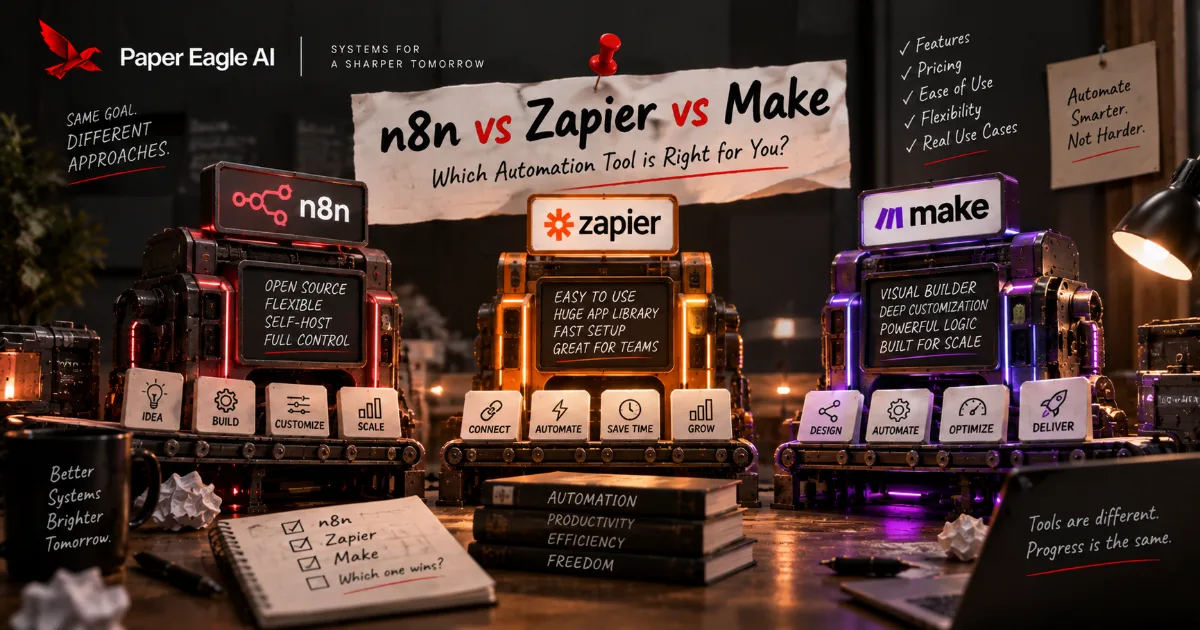
n8n vs Zapier vs Make: Choosing the Automation Layer
All three will build your content pipeline, so the feature table decides nothing. What decides it is who can open the thing in six months, where it runs, and how it bills a fan-out.
ReadMake.com in a content system, in detail.
When Make is the right choice
If the pipeline is genuinely branchy — several destinations, several formats, a loop over outputs — it is Make or n8n, and which one comes down to who will maintain it. If the team is comfortable with data shapes and the occasional line of code, n8n gives the most room. If content sits with marketing and nobody wants to think about code, Zapier is easier to keep. Make sits between the two, and it is the honest answer more often than either camp admits.
Is Make just a cheaper Zapier?
No, and treating it that way leads to the wrong choice. They have different models: Zapier is a trigger and a list of actions, Make is a graph you draw. For linear work the list is clearer and faster to build. For work that splits, iterates over a set of items and joins back up, the graph is the right shape and the list becomes hard to read. Pick the model that matches the shape of your workflow.
How it counts usage
Make counts an operation each time a module performs one, so a workflow that turns one idea into many outputs multiplies operations, not runs. Zapier counts the same way, by task, while n8n counts each run of a workflow. How a vendor counts usage is a commercial decision that changes, so check Make's current terms before committing; the shape is the durable part.
Moving away later
There is no meaningful export path between Make, Zapier and n8n. A Make scenario does not become an n8n workflow, and a Zap does not become a Make scenario. That is the reason to draw the workflow on paper before choosing: it takes a few minutes, and the shape of the drawing usually names the tool.
Make.com workflows, built for you.
We build in Make.com when a workflow branches and the team maintaining it wants to see the whole flow drawn out. These pages describe the work, and our content automation pricing sets out what each setup costs.
Talk it through with us.
If something here describes a problem you have, a short conversation is the quickest way to find out whether a system would fix it, and what it would take to build. No pitch: if we can't help, we'll say so.
Start a Conversation