LinkedIn company page guides.
A LinkedIn company page has a different job from a founder's profile: it is where buyers check who a company is, often just before a call. These guides cover what a page should publish, what LinkedIn lets you automate on it, and what has to stay with a person.
Proof, not reach.
Content automation for a LinkedIn company page is the full guide: why most pages go quiet, what LinkedIn's rules allow and forbid, the API a page posts through, how to schedule without a bot, and what to publish by format and by industry. Start there if the page is yours to run.
The LinkedIn section of our multi-platform guide explains why the page and the founder's profile are two jobs — the profile earns reach, the page earns proof — and what each gets from the same source. How to automate content with n8n shows the publishing step itself: an approved draft posted as the organisation, and the permission test to run before you depend on it.
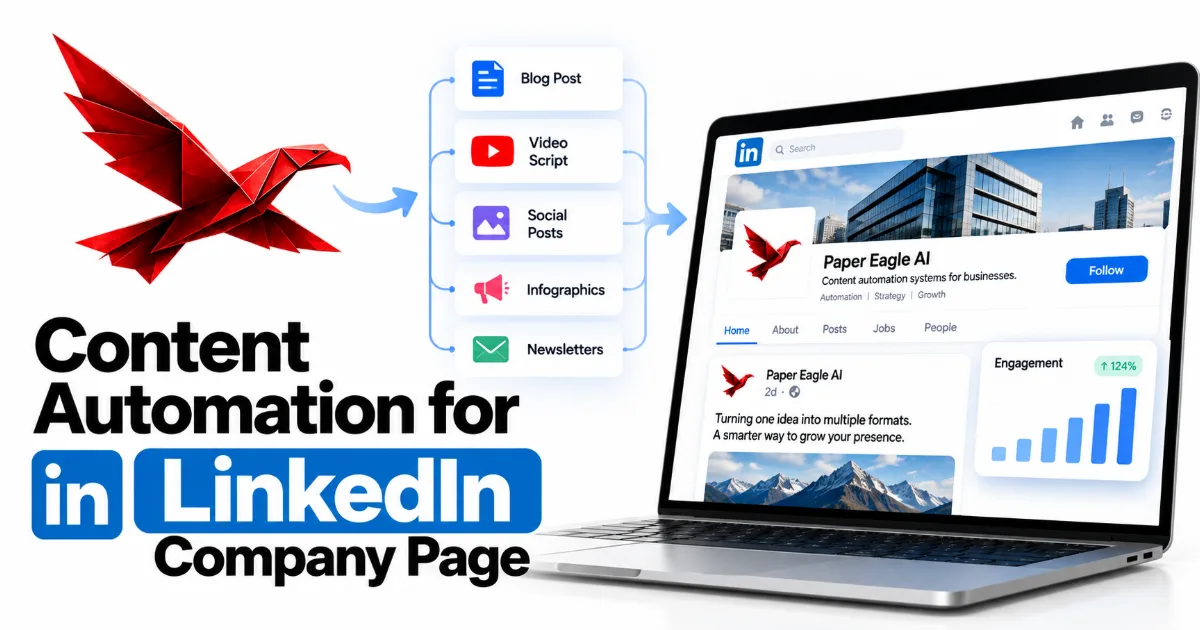
Content Automation for LinkedIn Company Page
What a LinkedIn company page can and can't automate under LinkedIn's 2026 rules, the formats and voice that suit a page, and a system that keeps it moving without a bot.
Read
Content Automation Specialist for Multi-Platform Content
One YouTube video can feed ten platforms, but only if each one gets content written for its own audience. Here is what each platform rewards, and how the translation works.
Read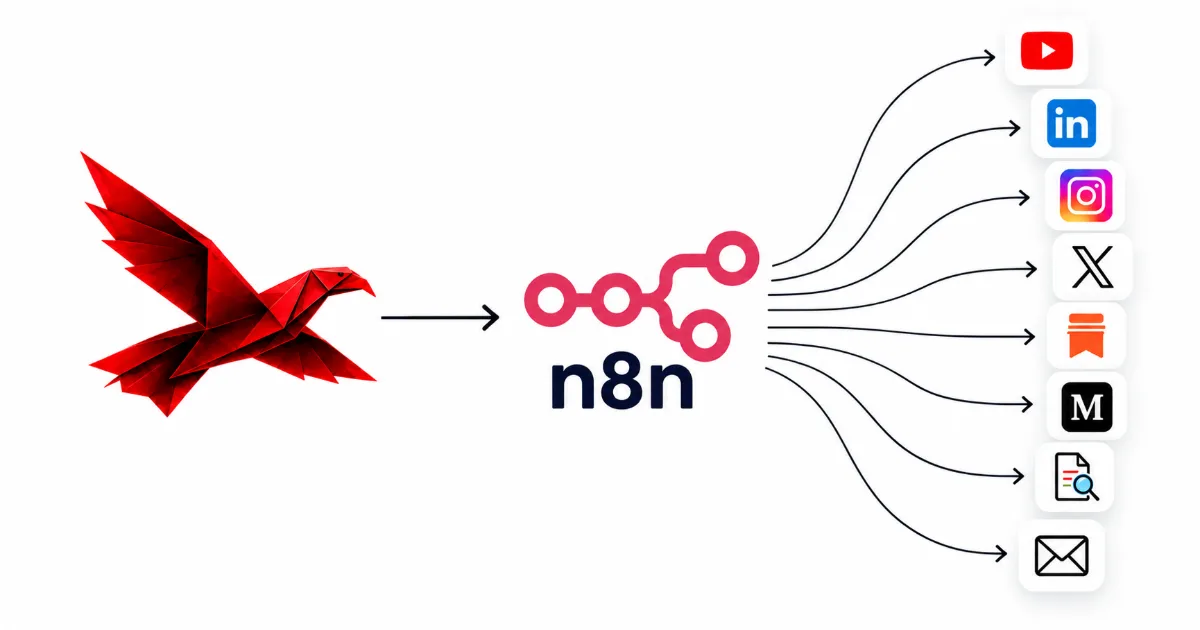
How To Automate Content With n8n
Build it step by step: a finished piece triggers one draft per platform, each waits for your approval in Slack or email, then posts or queues itself and lands in a record.
ReadRunning a company page, in detail.
Why company pages go quiet
Most company pages stop for structural reasons, not creative ones: nobody owns the page, nothing feeds it, and it gets treated as a copy of the founder's profile. The business finishes real work every month and almost none of it reaches the page, because reaching the page is nobody's job. Resharing the founder's latest post fills the feed with an echo rather than a record of what the company actually does.
What LinkedIn lets you automate
Publishing, yes; engagement, no. LinkedIn's User Agreement forbids bots and other unauthorised automated methods for creating, commenting on, liking or sharing posts, and in March 2026 LinkedIn said plainly that automated comments aren't allowed. The authorised routes for publishing are LinkedIn's own scheduler for pages and its approved interface for posting as an organisation. A script driving a browser is neither, and it puts the page at risk.
How a page actually posts
There are two routes. A page admin can schedule posts in LinkedIn itself, up to three months ahead, although some formats — polls, events and reshares among them — cannot be scheduled and need a person on the day. Or approved drafts go through an app on LinkedIn's Community Management API, which LinkedIn opens to registered organisations after a review. Zapier, Make.com and a reviewed n8n app all post this way, acting for a page admin.
What stays with a person
Four things: deciding what the company says, every comment and reply, which team posts the page reposts, and anything that names a client. Everything before that — collecting the finished work, drafting in the company's voice, scheduling and logging — can be automated within LinkedIn's rules. A page grows more slowly than a person's profile whatever the system does, so treat it as the record buyers check, not as a reach engine.
Your company page, built for you.
A steady, specific company page is one of the systems we build. These pages describe it.
Talk it through with us.
If something here describes a problem you have, a short conversation is the quickest way to find out whether a system would fix it, and what it would take to build. No pitch: if we can't help, we'll say so.
Start a Conversation