Zapier content guides.
Zapier connects the apps a business already uses with a trigger followed by a list of actions, and it has the lowest floor of the three automation tools we build with. These guides explain when that shape fits a content workflow, and when a workflow that branches needs n8n or Make instead.
A workflow your marketing team can open.
Our comparison of the three tools makes the case most comparisons skip: a workflow a marketer can open and understand is one that gets fixed on the day it breaks, so readability is an engineering property, not a beginner feature. Zapier also has the largest catalogue of connections. It handles branching, but branching is not what it is best at.
How to automate content creation puts the tool choice last and gives the rule for it: Zapier is enough when the workflow is a straight line between products that already have connectors, and n8n is the better choice once there are conditions, branches or anything you want to self-host. Decide after you have run the process by hand twice. This page collects every guide on the blog that covers Zapier, and the section below sets out the rest.

How to Automate Your Content Creation Process in 2026
Most attempts automate the drafting, which is the one step that needed judgement. The four layers, in the order they have to be built.
Read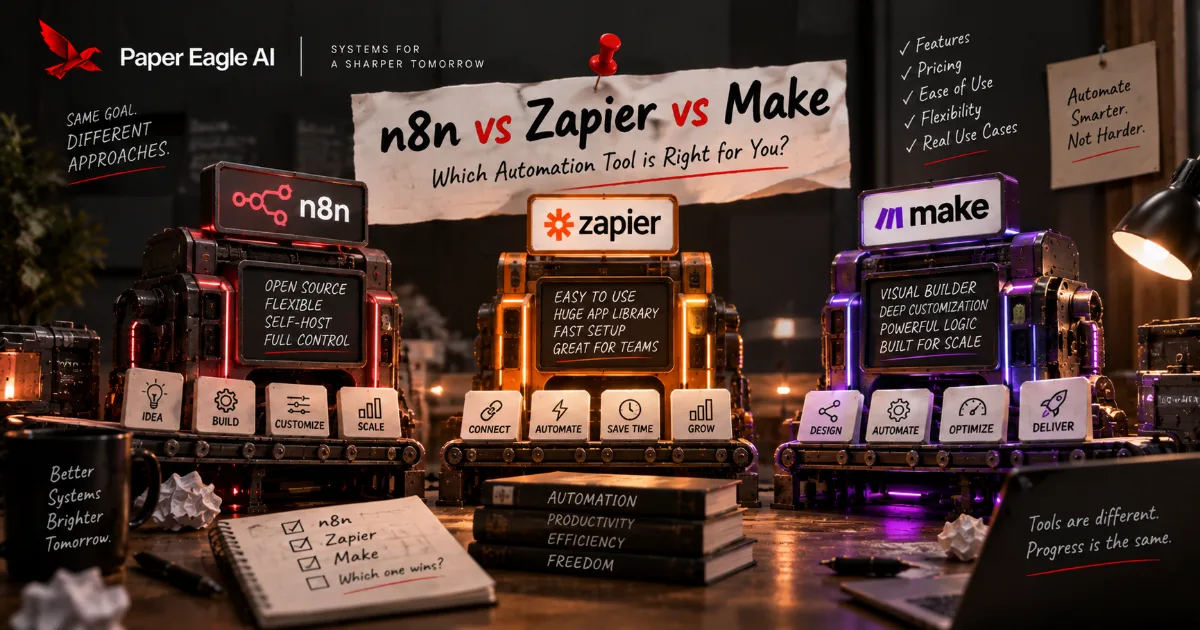
n8n vs Zapier vs Make: Choosing the Automation Layer
All three will build your content pipeline, so the feature table decides nothing. What decides it is who can open the thing in six months, where it runs, and how it bills a fan-out.
ReadZapier in a content system, in detail.
When Zapier is the right choice
If the people who will maintain the workflow are the people who write the content, Zapier is the answer we give, and it is a good outcome rather than a compromise. We would rather hand over a Zapier build a team can run itself than a more elegant one they have to call us about. A system is measured by whether it survives without the people who built it, and the tool is the smallest part of that.
Where it stops fitting
Zapier's model is a trigger and a list of actions. For linear work a list is clearer and faster to build. For a workflow that splits into several destinations, iterates over a set of items and joins back up, the list becomes hard to read, and a graph you draw, in Make or n8n, is the better shape. Pick the model that matches the shape of your workflow, not the longest feature list.
Posting to a LinkedIn company page
Zapier has a Create Company Update action, and its help centre states the condition: you must be an administrator of the company page. Our company page guide explains when that route is worth it: when approved posts come out of a pipeline rather than a person's afternoon. For a page with one approver and a weekly rhythm, LinkedIn's own scheduler is enough.
How it counts usage, and moving away later
Zapier counts a task each time a step performs a successful action, so a workflow that turns one idea into many outputs multiplies tasks, not runs. How a vendor counts usage is a commercial decision that changes, so check Zapier's current terms before committing; the shape is the durable part. There is also no meaningful export path between Zapier, Make and n8n: a Zap does not become a Make scenario, so draw the workflow on paper before you choose.
A Zapier build your team can run.
We build in Zapier when the team that writes the content will maintain the workflow. These pages describe the work, and what each setup costs is on our pricing page.
Talk it through with us.
If something here describes a problem you have, a short conversation is the quickest way to find out whether a system would fix it, and what it would take to build. No pitch: if we can't help, we'll say so.
Start a Conversation