Content automation tools.
The tools are the automation layer of a content system: Claude Code for writing and building, and n8n, Zapier or Make.com for moving work between the steps. These guides are hands-on builds and honest comparisons, written after the process is designed and never before it.
Design the process, then pick the tool.
How to choose content tools comes first, because the right stack follows from the jobs a system has to do. For the automation layer itself, n8n vs Zapier vs Make compares the three on the things that actually decide it: where it runs, who maintains it, and what it costs to switch later.
Then the builds. Content automation with n8n covers the input side — research arriving as a draft each morning — and how to automate content with n8n covers the output side, one finished piece in and a draft per platform out. Claude Code for content automation and Claude Code with Higgsfield show the same kind of work done from a code editor, file by file.
Each tool also has its own page, collecting every guide that covers it: Claude Code, n8n, Zapier, Make.com, ChatGPT and Higgsfield. They are in the Blog menu under Tools, so a reader who arrives with one tool in mind can start from it.
Each of the three workflow tools has a page of its own: the Make.com content guides, for when a drawn canvas beats a list of steps; the Zapier content guides, for when a trigger and its actions are the right shape; and the n8n content guides, from a morning research digest to publishing routes.
Higgsfield AI Text in Generated Video
Generated video draws letters as shapes, so a sign or a label can look right in one frame and wrong in the next. This guide covers where text goes wrong and where it should be added instead.
ReadHiggsfield AI for Agency Client Work
Agencies that make generated visuals for clients inherit questions most tools never answer for them. This guide reads Higgsfield's own terms and help pages on accounts, workspaces, credits, outputs and deletion.
ReadHiggsfield AI Video for a LinkedIn Company Page
Generated video can work on a LinkedIn company page when it explains something the business really does. This guide covers the job it suits, LinkedIn's own specs and captions, and the content credentials label.
ReadWhich Higgsfield Model to Use for Each Business Content Job
Higgsfield offers many model families, and each is good at something different. The right choice starts from the job the content has to do, not from the model the team used last time.
ReadHiggsfield AI Avatar Videos for Business: Spokesperson or Fake Testimonial?
An AI presenter reading the menu is a spokesperson. The same presenter saying it lost weight on the menu is a customer who does not exist. The script decides which one you made.
ReadHiggsfield Image to Video Workflow: Animate an Approved Still Without Losing It
The still was approved. The clip made from it was not, and a few seconds of motion can change the shape, the surface and the details the approval was about.
ReadHiggsfield Soul ID for Brands: One Recurring AI Character, Kept Consistent and Honest
A brand character that looks the same in every post is easy to make now. Making it honest, and keeping it honest as the posts pile up, is the part that takes a plan.
ReadHiggsfield AI Video Workflow Audit: Ready to Scale, or Ready to Multiply Mistakes?
Scaling an AI video workflow multiplies whatever it already does, good or bad. A six-part audit with evidence shows which it is before the volume goes up.
ReadHiggsfield AI Clip vs Source Video: Does It Still Say What Happened?
When a real video becomes a generated clip, the clip can add a cleaner floor, a bigger team or a faster job than the original ever showed. A claim audit catches it.
ReadHiggsfield AI Generated Media Rights: What to Check Before Posting
A generated image can be yours to use commercially and still not be safe to post. The gap is everything that went into it and everyone who appears in it.
ReadHiggsfield AI Explainer Storyboard: Turn a Blog Diagram Into Video
A diagram lets the reader look in any order. A video decides the order for them. Turning one into the other is mostly a decision about sequence, labels and what the motion is allowed to add.
ReadHiggsfield AI vs Real Video: When the Founder Must Be on Camera
A generated presenter can say anything, which is exactly why it cannot prove anything. Four kinds of content need a real recording; everything else is a choice.
ReadHiggsfield AI Brand Asset Library: Name, Store and Reuse Approved Visuals
A shared drive full of generated images is not a library. A naming scheme, a folder taxonomy and a usage record turn approved visuals into assets the next post can safely reuse.
ReadHiggsfield AI n8n Workflow: What n8n Should Do With Every Export
n8n has no Higgsfield node, and it does not need one. What it needs is a clear job: name the export, record it, tell the reviewer, and never publish what nobody approved.
ReadHiggsfield AI Product Visual Accuracy: Keep the Product Exactly as It Is
Generated product shots drift in predictable ways. Real reference photos and a four-part check, shape, feature, label and packaging, stop the product changing before anyone sees it.
ReadHiggsfield AI TikTok Visual Testing Without Chasing Every Trend
Most TikTok visual tests change five things at once and learn nothing. A matrix that changes one visual per row, on the same idea, turns a guess into a result.
ReadHiggsfield AI YouTube Thumbnail Concepts That Keep the Video's Promise
A generated thumbnail can promise almost anything, and YouTube treats a thumbnail that misleads as a policy problem. Start from what the video really delivers.
ReadHiggsfield AI Video Approval Workflow: The QA Form Every Generated Clip Passes
A generated clip can pass a glance and still show a result nobody had or a hand with six fingers. One QA form per asset, with a named approver, catches it before it is public.
ReadHiggsfield AI Images for a Medium Article: One Image per Section It Clarifies
Medium's own rules ask for images that add value, alt text, credits and a caption on any AI image. Here is how to match each generated image to the section it clarifies.
ReadHiggsfield AI Content Variations: Three Versions, One Message
Variations are useful until one of them starts saying something new. Lock the claim and the product facts, vary only the picture, and check every version against one brief.
ReadHiggsfield AI Prompt Library: Keep the Prompts That Worked, With Their Records
The prompt that made last month's best image is usually lost in a chat or a history tab. A prompt library keeps each one with the record that makes it safe to reuse.
ReadHiggsfield AI Storyboard Workflow: Approve the Story Before You Pay for Video
Video is the expensive step to redo. A storyboard of four, six or eight frames, each tied to a line of the script, lets a short be fixed while it is still cheap.
ReadHiggsfield AI Visual Style Workflow: One Style Brief for a Whole Campaign
A campaign generated asset by asset drifts into several looks. A one-page style brief, built from a reference board, keeps every Higgsfield output in one brand.
ReadHiggsfield AI vs Stock Footage: Which Content Jobs Need Generated Visuals?
When a business video needs a shot it cannot film, Higgsfield and a stock library answer different questions. Four tests decide which one each shot needs.
ReadHiggsfield AI Visual Brief Workflow: From a Finished Article to an Approved Asset
How to turn a finished article into a visual brief Higgsfield can work from: audience, scene, message and the claims the picture must not make.
ReadSubstack n8n Newsletter Workflow: Intake, Drafts and Reminders, With a Person Sending
Substack has no n8n node and no publishing API, so n8n carries everything around the send: intake, the drafting run, approval, reminders and the check that the issue went out.
ReadHow to Use OpenAI Prompt Caching to Reduce AI Content Automation Costs
Prompt caching only cuts the cost of the part of a prompt that never changes. How to order a content prompt so that part comes first, and how to read the usage fields to see what it saved.
ReadCost of Content Automation with Claude and n8n
Every price for a content system built in Claude Code and n8n, in two tables: our five setups, all ten platforms, the optional care plans, and what Claude and n8n bill on their own.
ReadContent Automation in n8n for Businesses
What an n8n content system takes off your desk, what n8n can and cannot publish to Instagram and LinkedIn, what n8n bills per execution, and what we promise and charge.
ReadContent Automation in Claude Code for Businesses
What a business gets when its content system is built in Claude Code: what is automated, which platforms allow posting through an API, what we promise and what it costs.
Read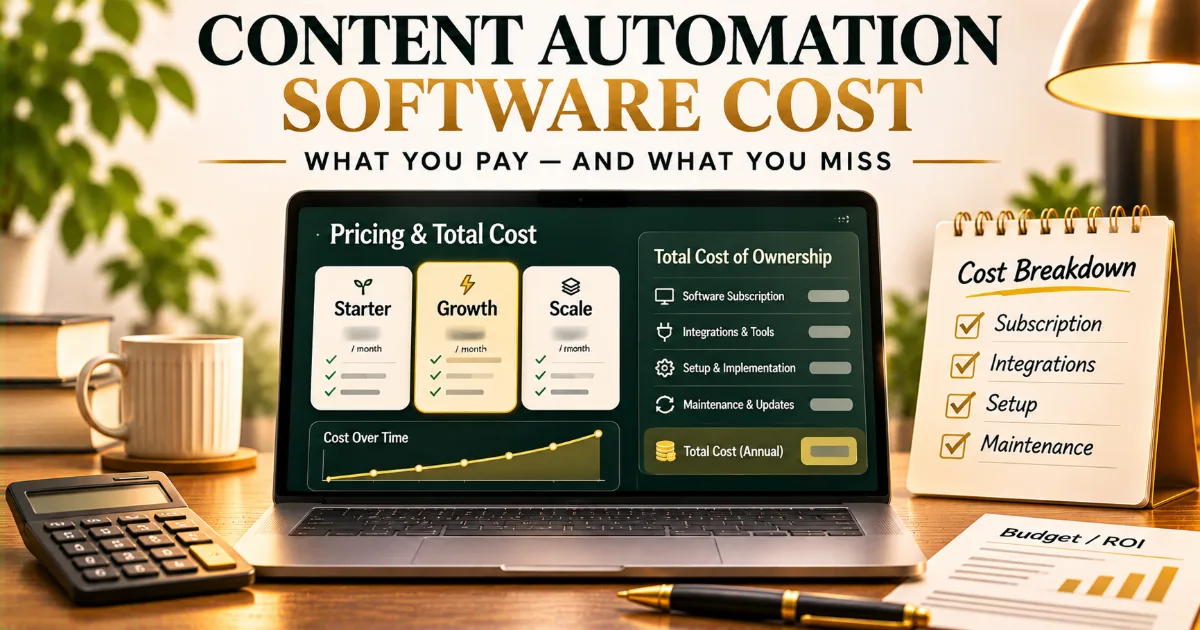
How Much Does Content Automation Software Cost?
The subscription is the smallest line on the bill. What the software leaves you to do, the platform rules no tool can lift, and what building your own system costs instead.
Read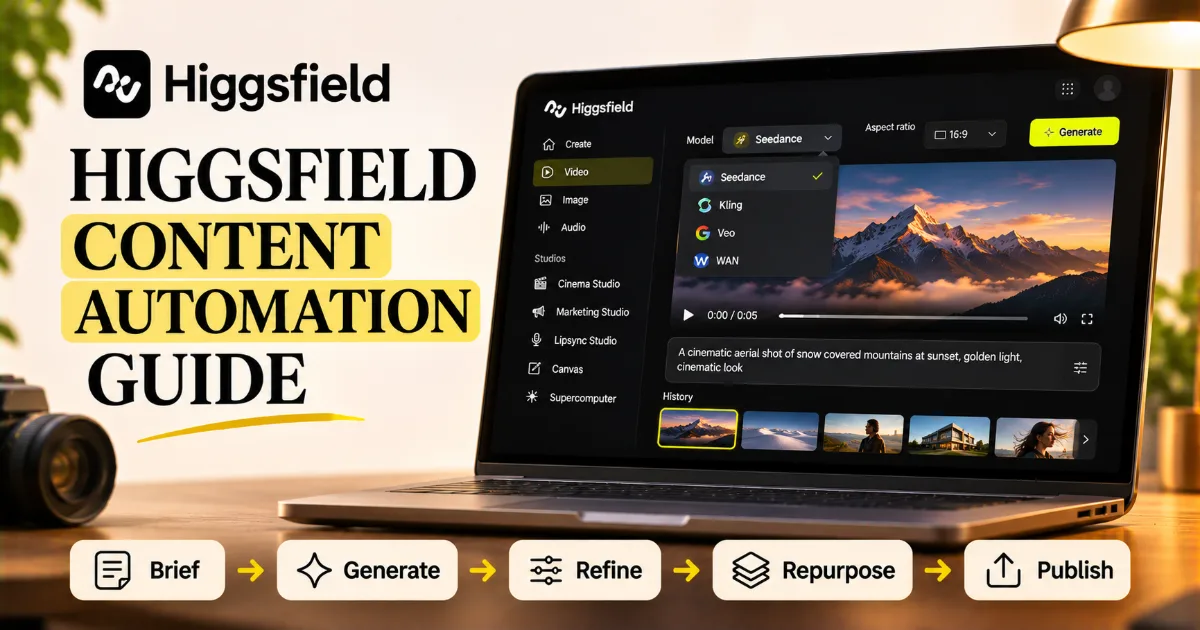
Higgsfield Content Automation Guide for 2027
What Higgsfield's plans cost in five countries, how many seconds of video each one makes, how to prompt and edit your own footage, and how to price single videos and bulk work.
Read
Medium Tool Comparison Article: Compare by the Reader's Job
Compare tools on Medium by the reader's job, not features: one scenario, a matrix of words not scores, dated facts, and any relationship disclosed.
Read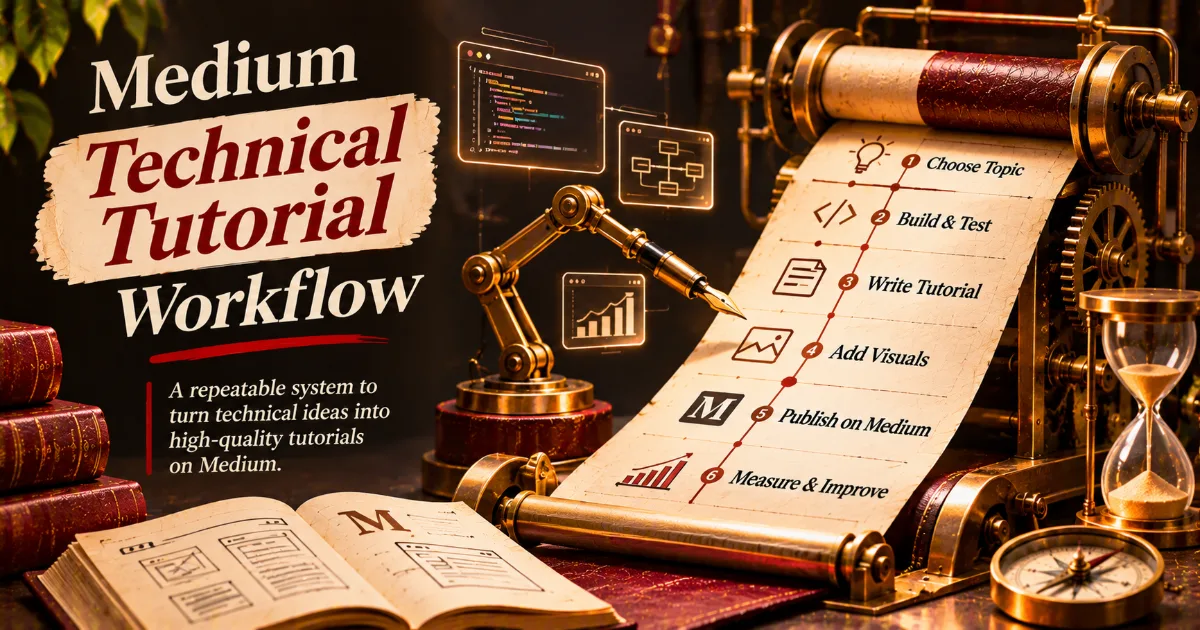
Medium Technical Tutorial Workflow: A Working Automation, Explained
Turn a working workflow into a Medium tutorial for beginners: plain steps, the assumptions it depends on, and the ways it fails.
ReadHow to Write a CLAUDE.md File for a Content Project
Claude Code reads one file before anything else. What a CLAUDE.md for a content project should hold, what to leave out, how long it can be, and how to test that it is followed.
ReadHow to Structure n8n Workflows for a Content System
One canvas that does everything works for a month. How to split an n8n content system into a parent and single-job sub-workflows, with a fixed contract, one error workflow and names that explain it.
ReadClaude Code vs n8n for Content Automation
Which of the two should hold which part of a content system: judgement over files, or triggers, waiting and logs. How each is maintained, owned and fails, and how to connect them.
Read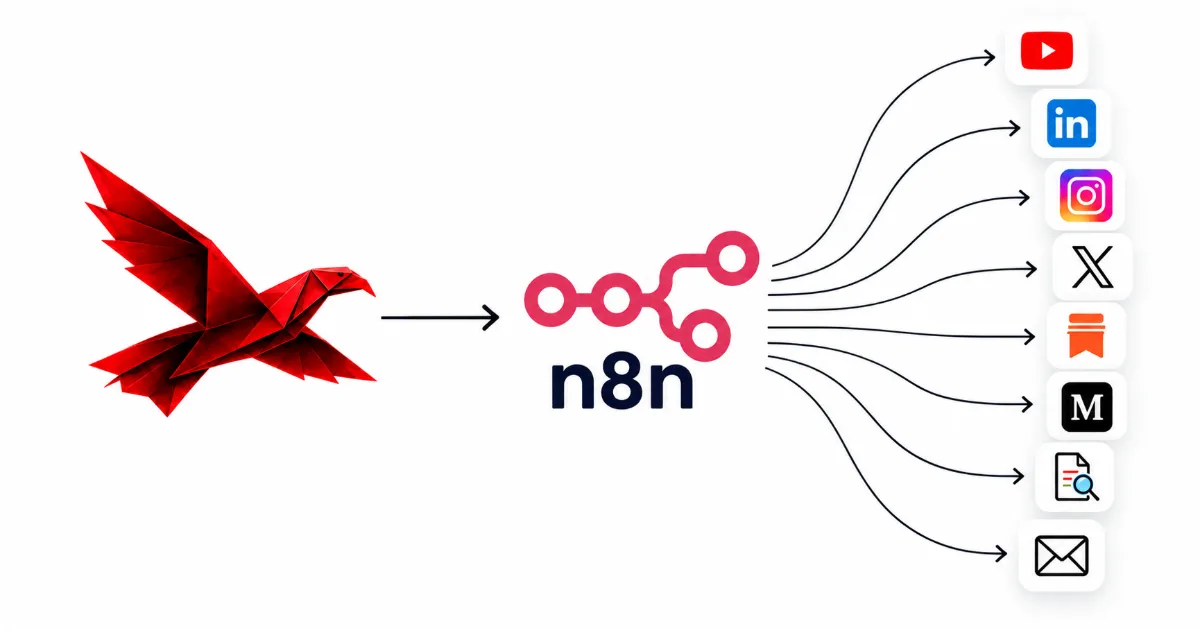
How To Automate Content With n8n
Build it step by step: a finished piece triggers one draft per platform, each waits for your approval in Slack or email, then posts or queues itself and lands in a record.
Read
Content Automation with n8n
n8n can send you one email every morning with the news in your niche, plus a draft script and a carousel outline waiting for approval. Here is how that pipeline is built, and the one thing it needs from you first.
Read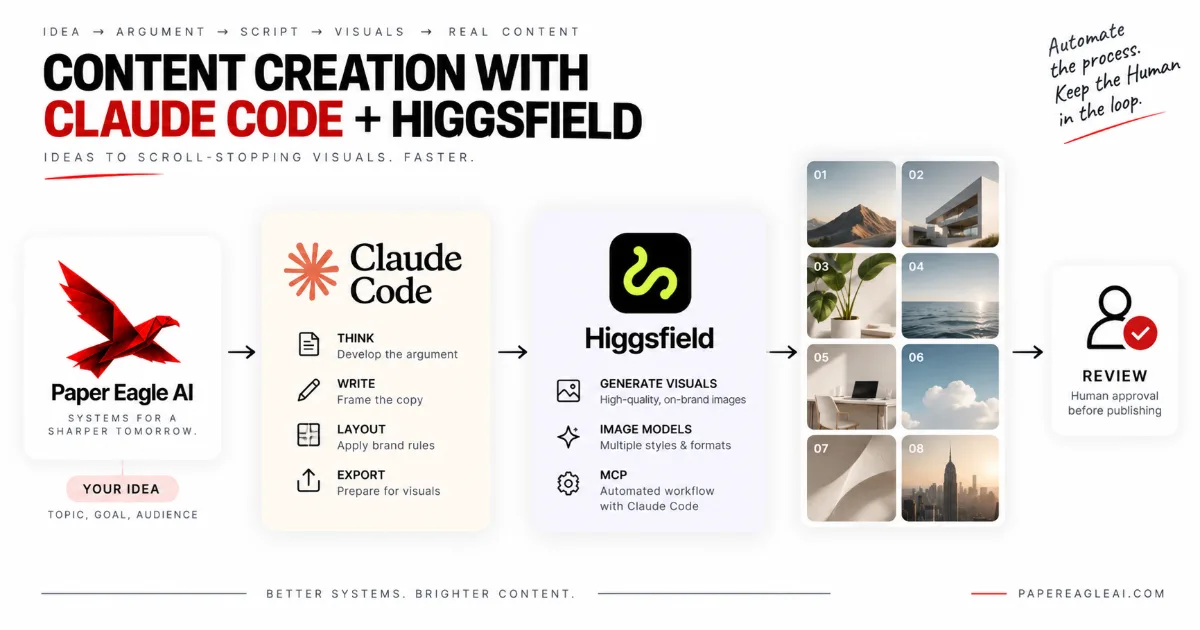
Content Creation with Claude Code and Higgsfield
Claude Code alone builds carousels out of type and layout. Connect it to Higgsfield over MCP and the same pipeline gets generated visuals. Here is how the connection works, and what it honestly costs.
Read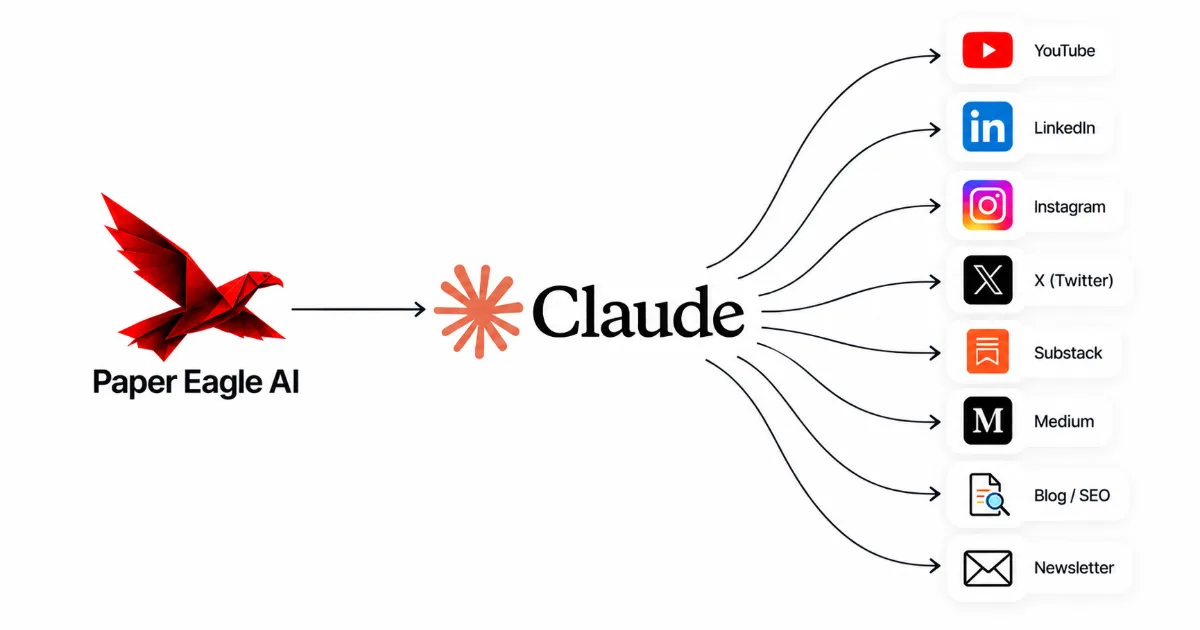
Claude Code for Content Automation: The Real Version
Blogs, carousels and video scripts out of one terminal. What you have to learn, what files you make, where Claude is genuinely weak, and what it honestly costs.
Read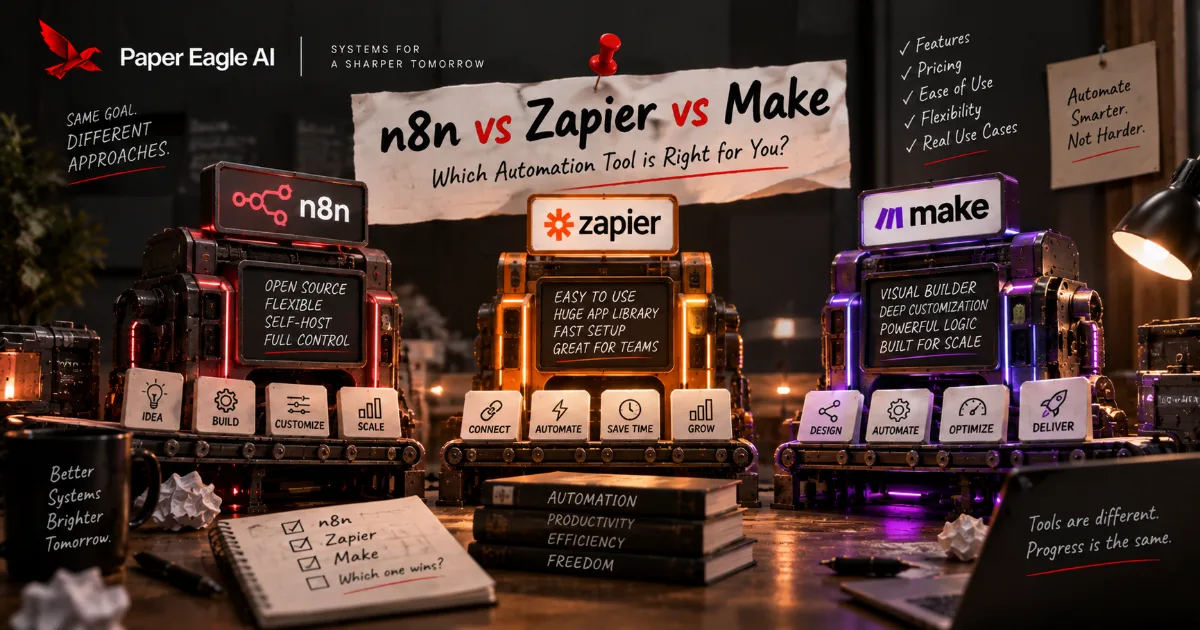
n8n vs Zapier vs Make: Choosing the Automation Layer
All three will build your content pipeline, so the feature table decides nothing. What decides it is who can open the thing in six months, where it runs, and how it bills a fan-out.
Read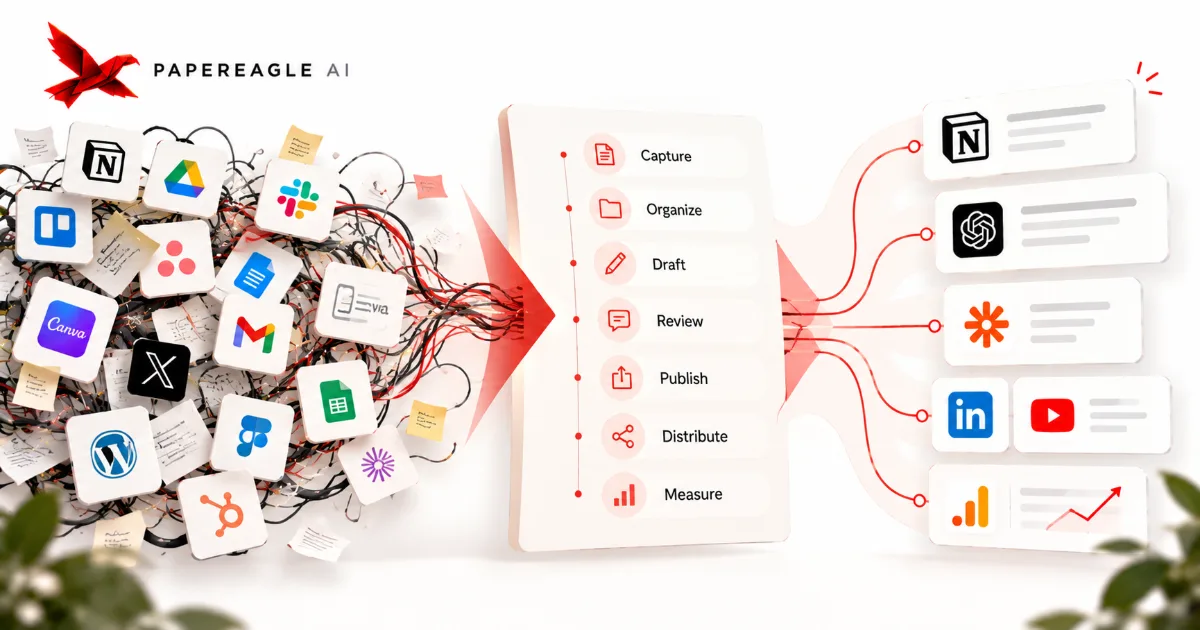
How to Choose Content Tools for Your Content OS
With hundreds of content tools out there, picking the right ones for your Content OS gets overwhelming fast. Here's a practical way to evaluate and choose them, based on your team size, technical comfort, and what you actually need.
ReadThe automation layer, built for you.
These are the tools we build with. If you would rather we did the building, these pages describe it, and our pricing page sets out what each setup costs.
Talk it through with us.
If something here describes a problem you have, a short conversation is the quickest way to find out whether a system would fix it, and what it would take to build. No pitch: if we can't help, we'll say so.
Start a Conversation